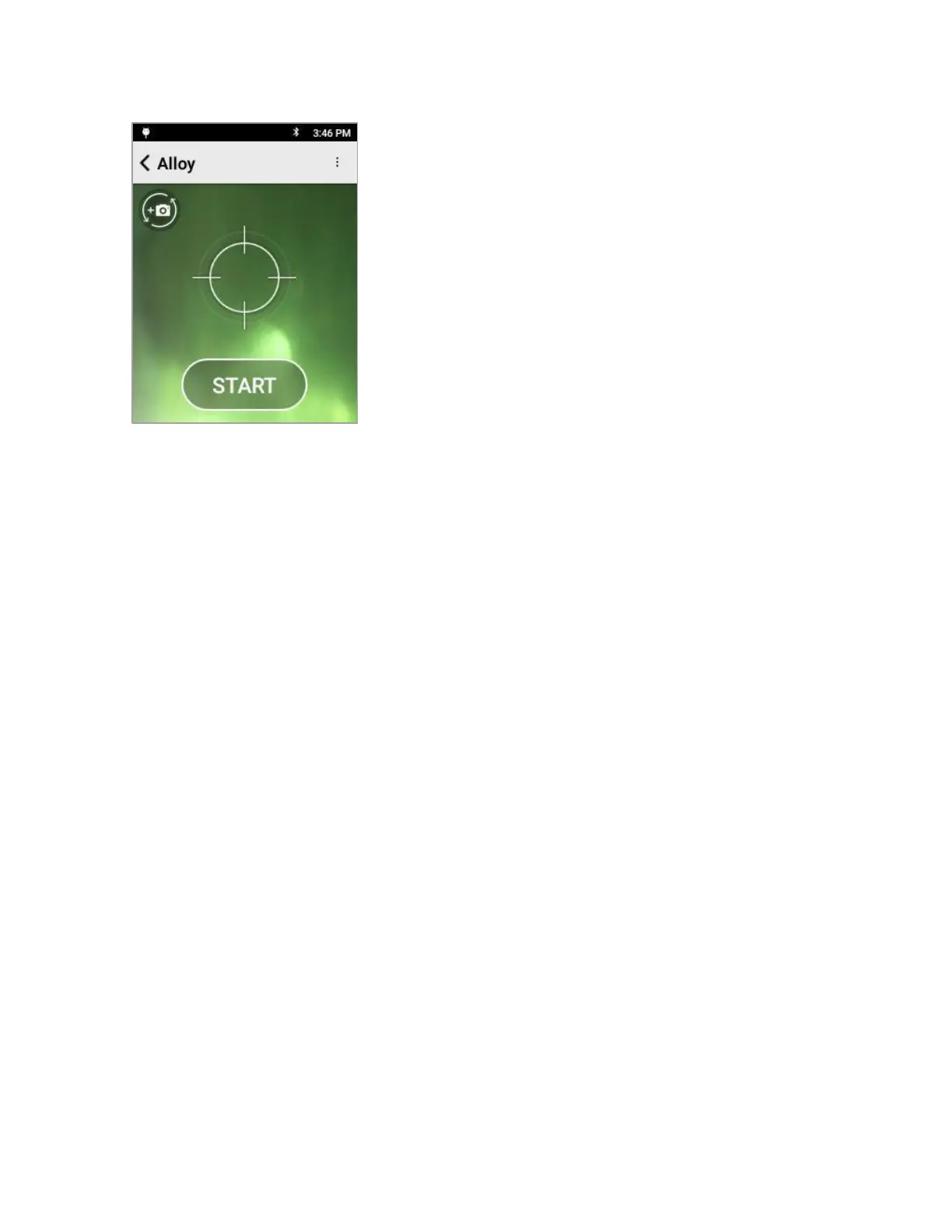
When the calibration is successful, the Start screen appears.
Remove the coupon from in front of the aperture.
You can now use the instrument to test your samples.
If the calibration fails, an error message will be displayed.
Confirm the piece of 316 coupon is positioned correctly in front
of the window and retry the calibration.
If the calibration continues to fail, please contact SciAps
technical support at +1 339-927-9455


 To Next Page