EasyManua.ls Logo

SciCan BRAVO G4 17 - User Manual

SciCan BRAVO G4 17
92 pages
Print Icon
To Next Page IconTo Next Page
Loading...
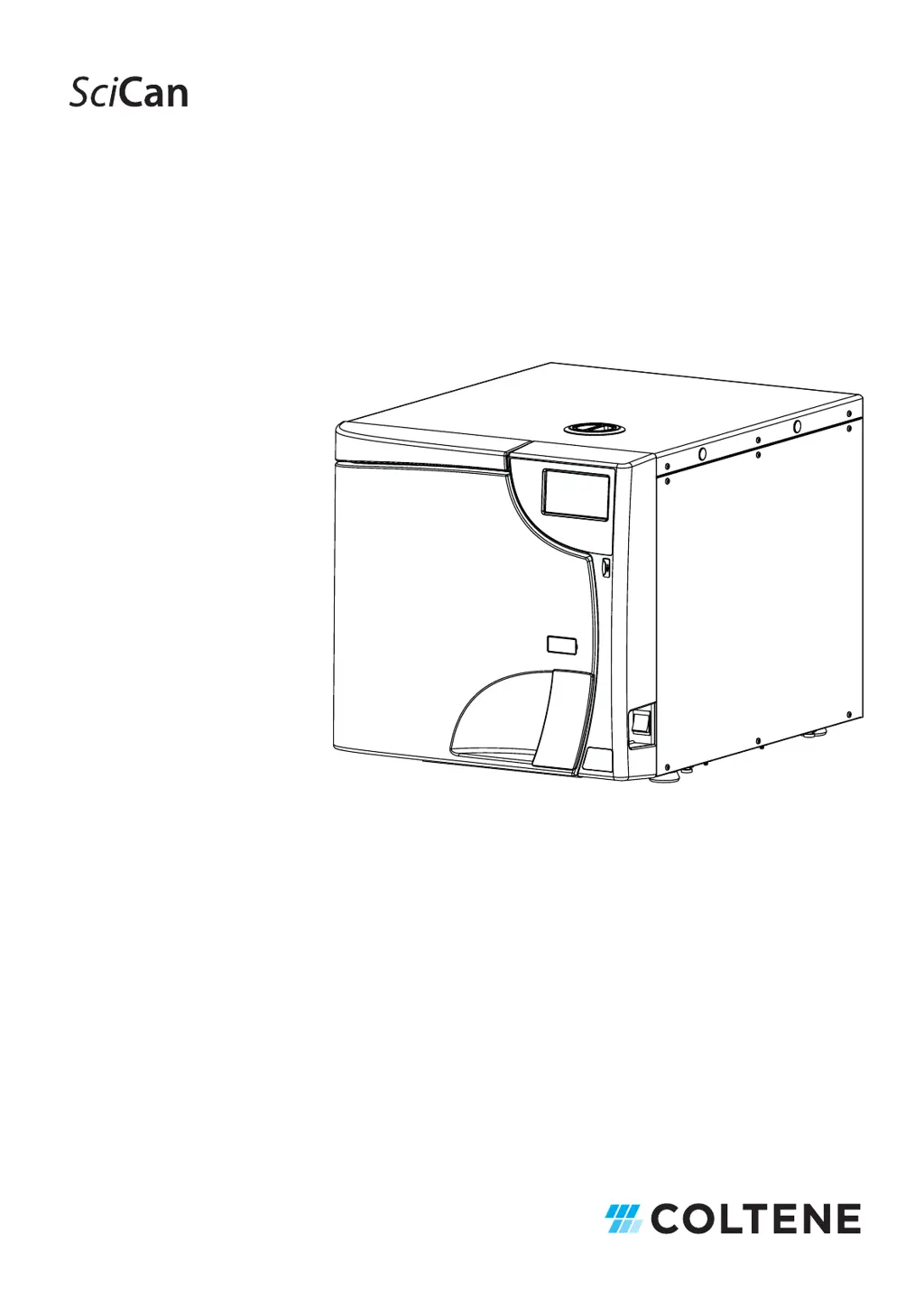
BRAVO G4
Chamber Autoclave
S
D-601 EU ML R1 | 97055159 Rev. 2
BRAVO is a trademark of SciCan Ltd. A Coltene Group company.
Operator’s Manual

Table of Contents

Questions and Answers

  • R
    Rebecca KnappAug 3, 2025
    What to do if my SciCan BRAVO G4 17 Steriliser does not power on?
    • L
      lucasallenAug 3, 2025
      If your SciCan Steriliser isn't powering on, first, ensure the power cable is securely plugged in. Next, verify that there is voltage at the power supply socket and address any issues causing the lack of voltage. Check that the main and differential switches are in the ON position. If these steps don't resolve the issue, it's possible the mains fuses are blown, and you should contact Technical Service.
  • J
    Jessica ThomasAug 9, 2025
    Why is there water on the surface around my SciCan BRAVO G4 17?
    • U
      umannAug 9, 2025
      If you find water on the surface where your SciCan Steriliser rests, it could be due to a few reasons. First, check the water automatic filling system hose (if applicable) to ensure it's correctly and tightly connected, making sure the hoses are fully inserted and hose clamps are present. Another potential cause is a steam leak from the door gasket. To address this, clean the gasket and the closing porthole with a dampened cloth after each cycle and check for any damage to the gasket. Then, run another verification cycle.
  • K
    kevinmccartyAug 13, 2025
    What to do if SciCan BRAVO G4 17 Steriliser cycle does not start after pressing START?
    • T
      Teresa MarshallAug 13, 2025
      If, after pressing START on your SciCan Steriliser, the sterilisation cycle doesn't begin, it's likely that the device is preheating. Please wait for the steriliser to reach the necessary operating conditions before the program starts. Typically, the average preheating time is about 10-15 minutes under standard conditions.
  • J
    John SnyderAug 18, 2025
    Why is there excessive humidity on items after using my SciCan BRAVO G4 17?
    • K
      Kelly MooreAug 18, 2025
      Excessive humidity on materials and instruments at the end of a SciCan Steriliser program can occur for several reasons. First, verify that the load inside the sterilisation chamber does not exceed the maximum allowable values. Ensure the load is correctly positioned, especially if it's wrapped. Select the appropriate sterilisation program for the material you're treating. Lastly, check if the chamber drainage filter is clogged, and if so, clean or replace it.
  • M
    Mrs. Stacy CarpenterAug 25, 2025
    Why are there traces of oxidation or spots on instruments after using my SciCan BRAVO G4 17?
    • M
      Michelle MaldonadoAug 25, 2025
      Traces of oxidation or spots on instruments after sterilisation in your SciCan Steriliser may be due to inadequate instrument quality. Ensure that your instruments are made of materials suitable for steam sterilisation. Another potential cause is organic or inorganic residues on the instruments. Thoroughly clean all materials before placing them in the steriliser.
  • A
    Ashley RodgersAug 28, 2025
    Why are my instruments blackening or getting damaged in my SciCan BRAVO G4 17?
    • U
      ubrooksAug 28, 2025
      Blackening of instruments or damage to materials in your SciCan Steriliser can occur if the wrong sterilisation program is selected. Ensure you choose a program that is appropriate for the type of material you are sterilising.

Summary

Foreword and Safety Information

Symbols, Directives, and Classification

Explains device symbols, EU directives, and classification.

Intended Use and General Warnings

Defines the device's purpose and lists critical safety precautions.

Residual Risks and Mitigation

Discusses potential hazards and how to minimize them.

Package Content and Handling

Dimensions, Weight, and Contents

Details physical specifications and included items.

Storage and Transport Conditions

Guidelines for safe storage and shipping of the device.

General Description and Specifications

Device Overview and Characteristics

General features and operational capabilities.

Technical Specifications Summary

Detailed technical data including cycle parameters.

Safety Devices

Explanation of built-in safety mechanisms.

Water Supply Requirements

Specifications for demineralised/distilled water quality.

Device Views and LCD Interface

Identifies front/rear components and LCD icons.

Working Cycle Example

Illustrates a typical sterilisation cycle process.

Device Setup and Installation

Installation Dimensions and Precautions

Physical space needs and safety during installation.

Power Supply and Connections

Requirements for electrical setup and draining.

First Start-Up and Configuration

Initial Startup and Basic Settings

Powering on and initial configuration steps.

System Configuration Options

Customizing settings like language, date, time, and users.

Water Filling and Preheating

Settings for water supply and chamber preheating.

Service Menu Access

Information on the service menu.

Material Preparation and Sterilisation

Material Preparation and Loading

Steps for cleaning, preparing, and arranging materials.

Tray Holder Support Usage

How to use the tray holder support.

Sterilisation Cycle Operations

Running, monitoring, and managing sterilisation cycles.

Cycle Options and Interruption

Extra drying, delay start, and manual cycle stop.

Material Storage

Sterilised Material Storage Guidelines

How to store items to maintain sterility.

Test Programs

Overview of Test Cycles

Introduction to available tests for device verification.

Running Specific Test Cycles

Instructions for Helix/B&D, Vacuum, and H2O tests.

Cycle Interruption and Door Opening

Procedures for stopping cycles and opening the door.

Used Water Drain

Procedure for Draining Used Water

Steps for emptying the used water tank.

Data Management

Data Management Overview and USB Transfer

Accessing data features and USB data handling.

Network Connectivity and Printer Setup

Wi-Fi, Ethernet, and printer connection instructions.

Cloud Access and Configuration

Connecting to the G4 Cloud portal.

Appendix - Programs

Program Suitability and Cycle Tables

Guidance on choosing programs and detailed cycle parameters.

Program and Test Cycle Diagrams

Visual representation of cycle phases.

Printed Report Examples

Samples of cycle printouts.

Appendix - Maintenance

Maintenance Schedule and Messages

Routine checks and warning message triggers.

Detailed Maintenance Procedures

Specific cleaning and replacement tasks.

Validation, Lifespan, and Disposal

Periodic checks, device life, and end-of-life handling.

Appendix - General Problems

Troubleshooting Common Issues

Identifying and resolving operational problems.

Appendix - Alarms

Alarm Handling and System Reset

How to respond to and clear alarms.

Alarm Codes

Error Codes (Category E)

User-solvable issues and warnings.

Alarm Codes (Category A)

First-level faults requiring technician input.

Hazard Codes (Category H)

Second-level faults requiring service center.

System Error Codes (Category S)

Electronic system faults.

User PIN Reset

User PIN Reset Procedure

Steps to reset user access.

Appendix - Accessories

Supported Accessories List

Optional items compatible with the device.

Printer Connection

Connecting the Printer

Instructions for printer setup.

Appendix - Spare Parts and Accessories

Spare Parts Identification

List of available replacement parts.

Appendix - Technical Service

Appendix - Warnings and Local Regulations

Safety Warnings and Regulations

Important safety and compliance notices.

SciCan BRAVO G4 17 Specifications

General IconGeneral
ModelBRAVO G4 17
Sterilization MethodSteam
Chamber Volume17 Liters
Sterilization Temperature Range121°C to 134°C
Water Reservoir Capacity4 Liters
DisplayLCD
TypeSteam Sterilizer
Cycle TypesGravity, Pre-Vacuum, Liquid
Power Requirements230 VAC, 50/60 Hz
Data LoggingYes
CompatibilityCompatible with most standard sterilization accessories