CC-SMART-4K Manual
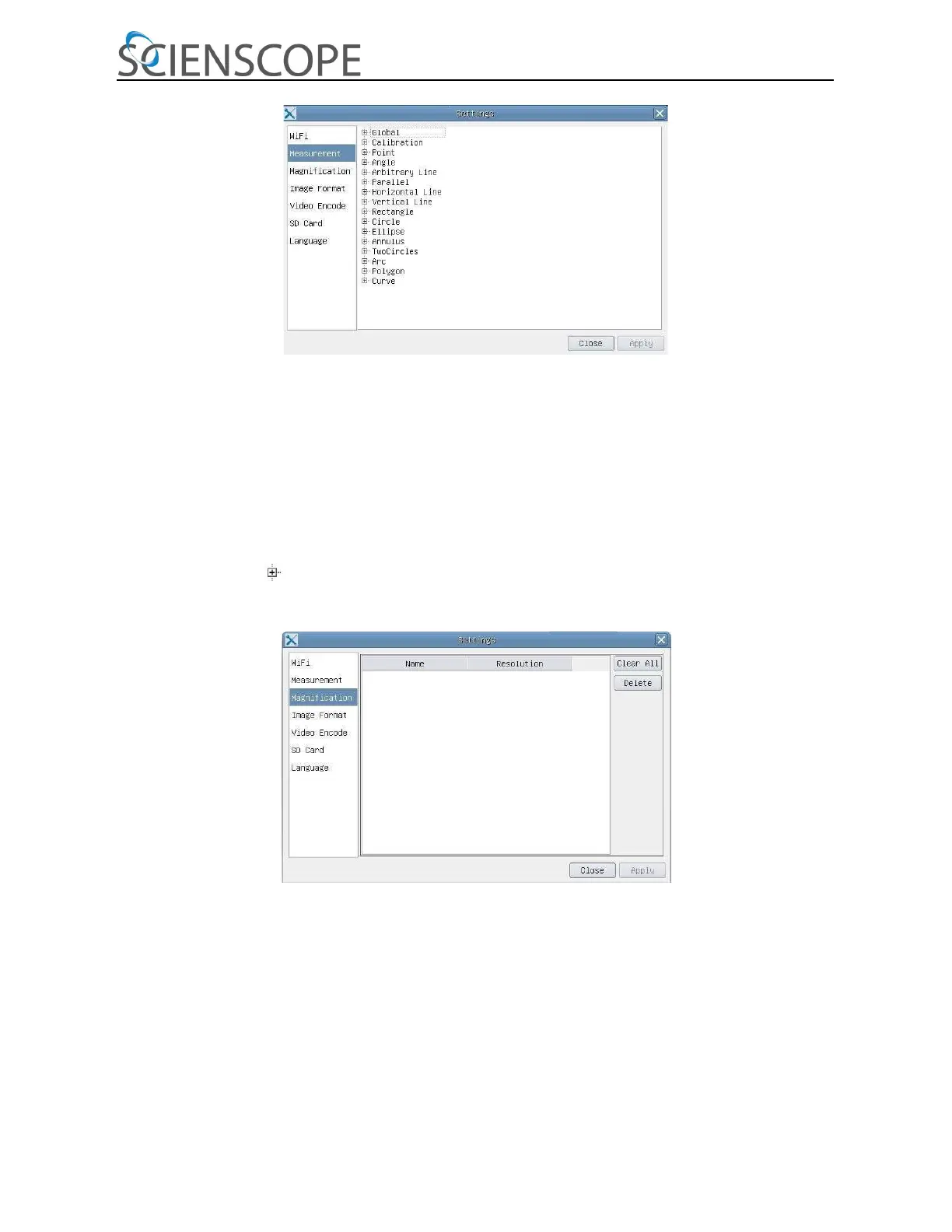
Figure 5 Comprehensive Measurement Settings Page
Global: Used for setting digits behind the decimal point for measurement results
Calibration Line Width: Used for defining width of the lines in measurement and calibration
Color: Used for defining color of the lines in measurement and calibration
End Point Type: Used for defining shape of the endpoints of lines in measurement and
calibration: Null means no endpoints, rectangle means rectangle type of endpoints.
It makes it easier to calibrate
Point, Angle, Line, Horizontal Line, Vertical Line, Rectangle, Circle, Ellipse, Annulus, Two Circles, Polygon, Curve:
Left-click the besides the measuring patterns mentioned above will unfold the corresponding
attribute settings to set the individual property of the measuring objects.
Figure 6 Comprehensive Measuring Units, Calibration, Magnification Management Settings Page
Name: Names such as 4X, 10X, 20X ,40X , 100X are based on magnification of microscopes. For continuous zoom
microscopes, ensure that the selected magnification coincides with the scale alignment line
Resolution: Pixels per meter. Devices like microscopes have high resolution value
Clear All: Clear All the calibrated magnifications and resolutions
Delete: Click Delete to delete the selected item for specific resolution


 To Next Page
 Loading...