CC-SMART-4K Manual
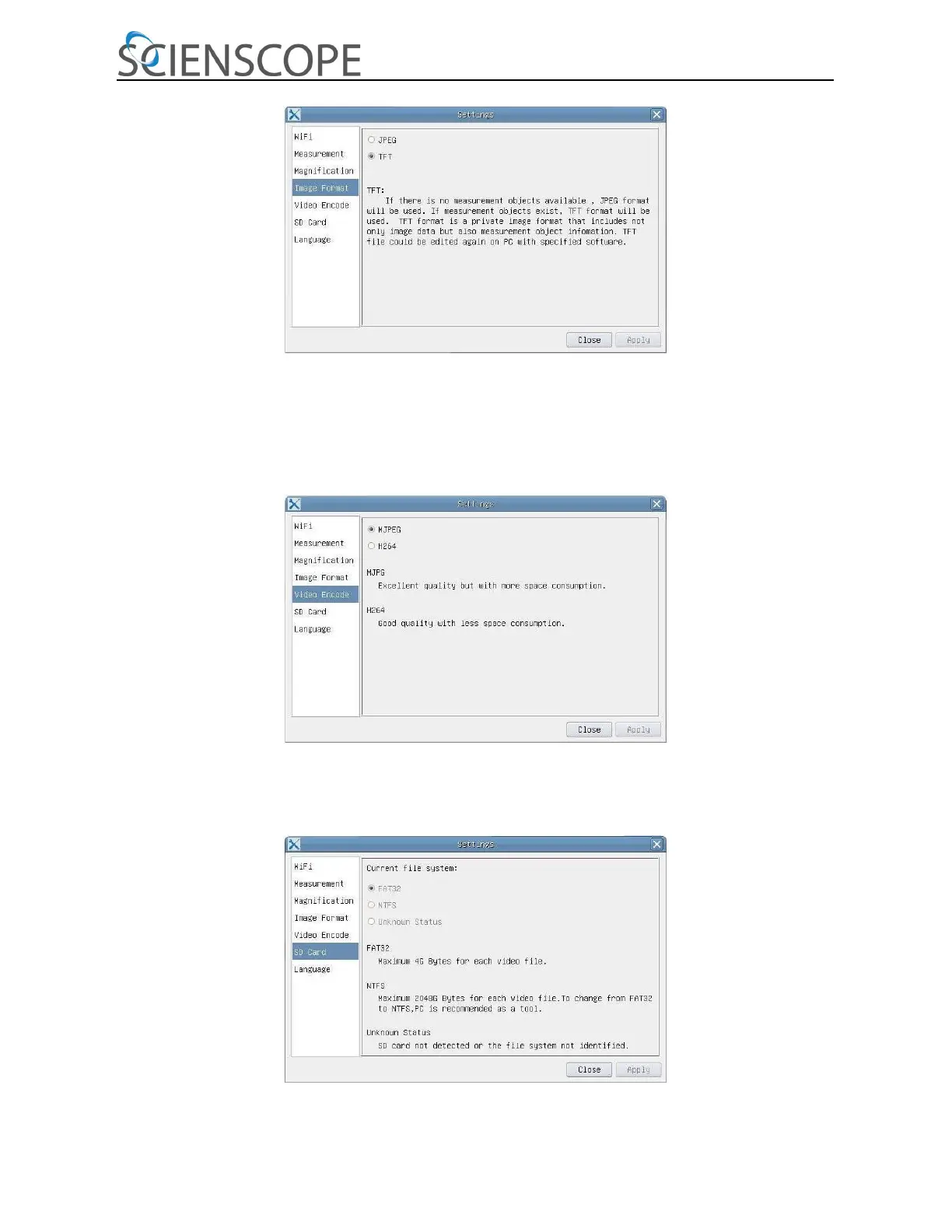
Figure 7 Image Format Setting Page
JPEG: Save captured image in JPEG format into SD card;
TFT: Save captured image in TFT format into SD card. The TFT format saves not only image data but also the
measurement data over the image. The camera control & imaging processing software AF+ Intelligent Imaging Suite
is capable of opening TFT file
Figure 8 Comprehensive Setting of Video Encode Setting Page
MJPEG: Save recorded videos in MJPEG coded format
H264: Save recorded videos in H264 coded format
Figure 9 Comprehensive Setting of SD Card Setting Page



 To Next Page