CC-SMART-4K Manual
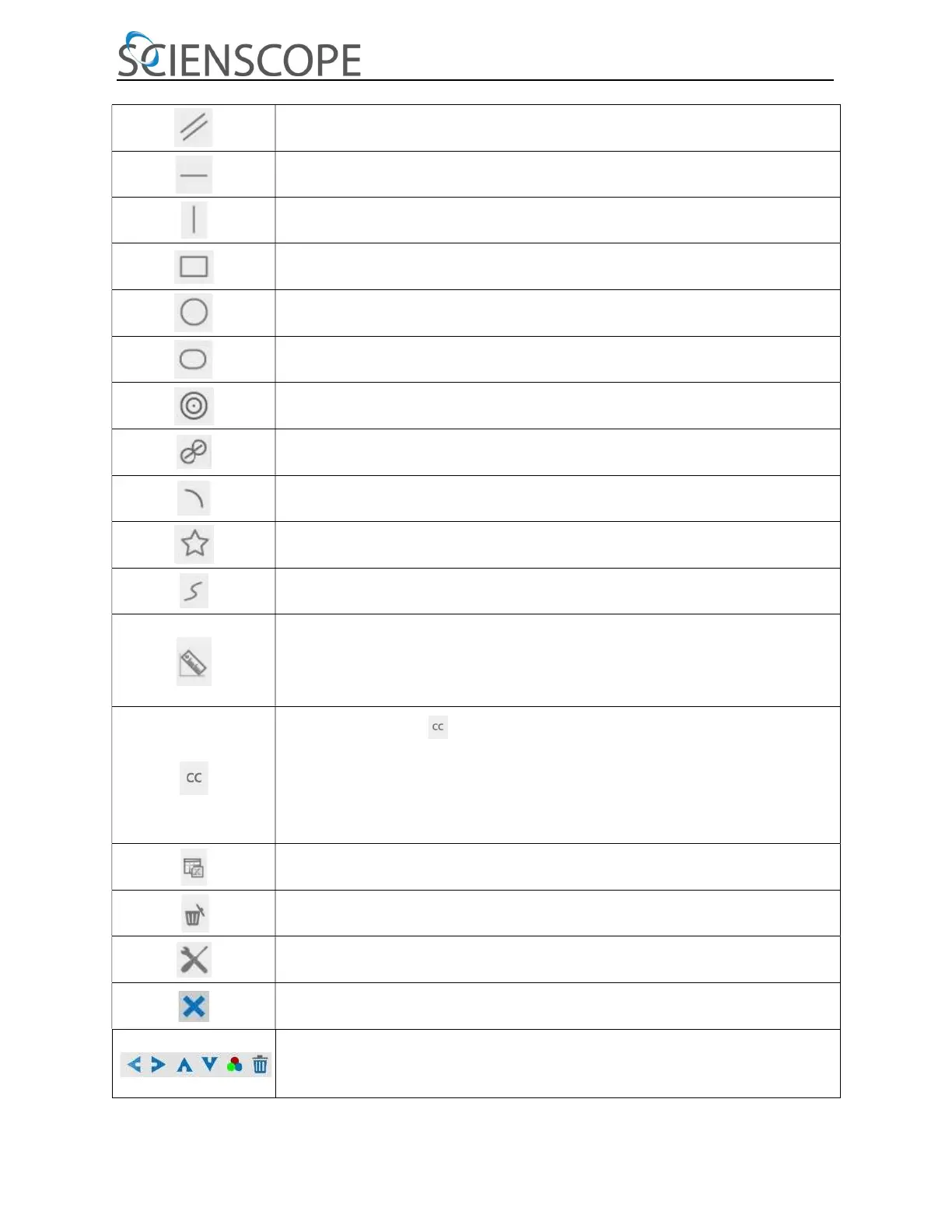
Parallel
Horizontal Line
Vertical Line
Rectangle
Circle
Ellipse
Annulus
Two Circles and Center Distance
Arc
Polygon
Curve
Make Calibration to determine the corresponding relation between magnification and resolution, this will establish the
relationship between measurement unit and the sensor pixel size. Calibration needs to be done with the help of a micrometer. For
detailed
steps of carrying out calibration please refer to AF+ Intelligent Imaging Suite help manual.
Conjugate Correction: Click to do the Conjugate Correction before doing any
calibration. Then manually adjust the coarse and fine focus knob of microscope to make
sure the video is clear. Make sure the magnification in the software stays in accordance
with microscope magnification, and then select the corresponding Measurement Unit for doing
the measurement.
Export the measurement information to CSV file (*.csv)
Delete All the Measurement Objects
Setting
Exit from Current Measurement Mode
When the measurement ends, left-click on a single measuring object and the Object
Location & Properties Control Bar will show up. The icons on the control bar mean Move Left, Move Right,
Move Up, Move Down, Color Adjustment and Delete.


 To Next Page
 Loading...