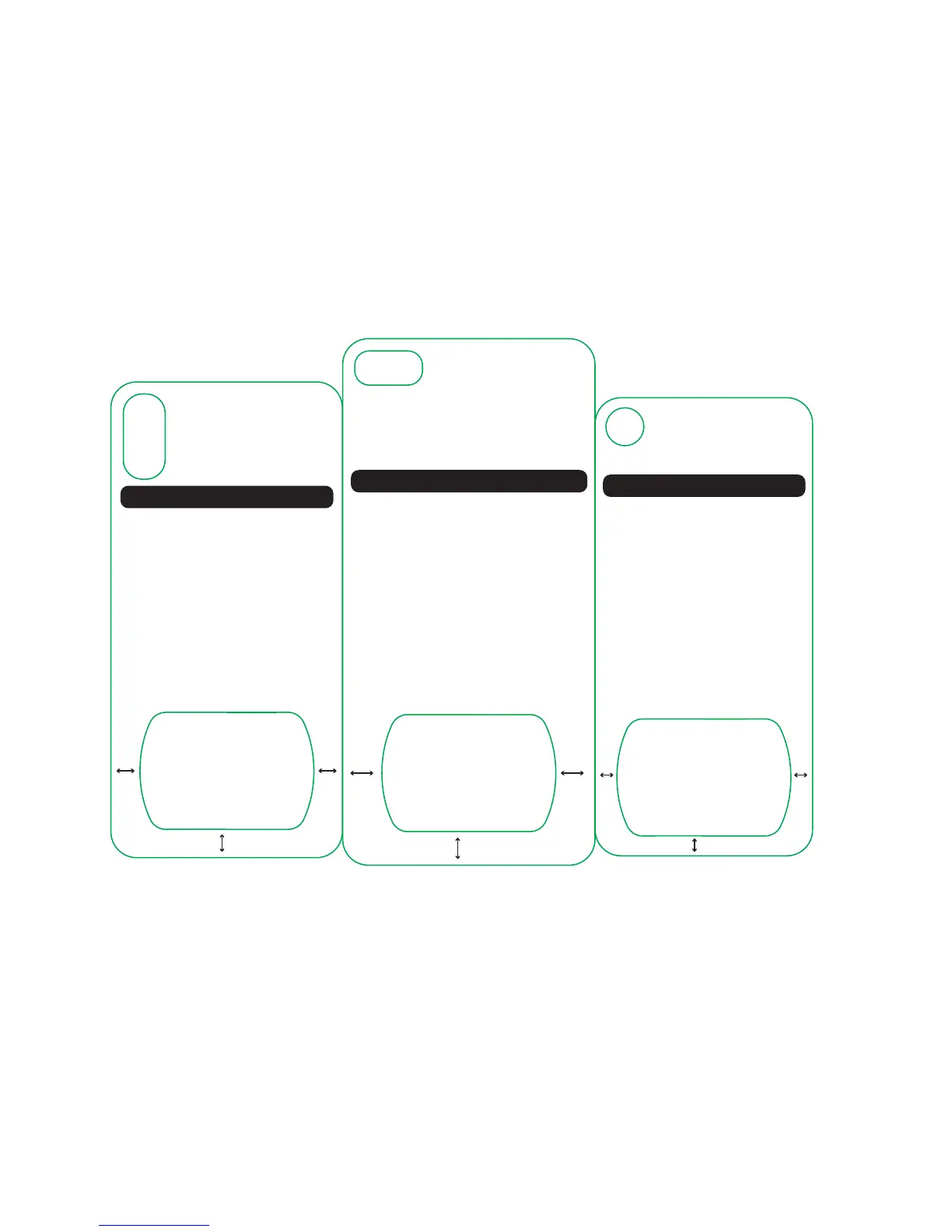
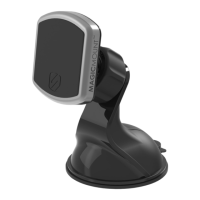
MagicPlate Placement Template
1. Place template on back of the iPhone 8+
2. Remove 3M lm from MagicPlate
3. Place MagicPlate in the designated area below
Visit www.scosche.com/qi
for additional phone templates.
Contact Scosche Customer Service at 800.363.4490
ext. 1, or customerservice@scosche.com
for additional questions.
For optimal performance, use this template
to install the MagicPlate to your device.
iPhone 8+
11.1
mm
11.1
mm
9.65
mm
MagicPlate Placement Template
1. Place template on back of the iPhone 8
2. Remove 3M lm from MagicPlate
3. Place MagicPlate in the designated area below
Visit www.scosche.com/qi
for additional phone templates.
Contact Scosche Customer Service at 800.363.4490
ext. 1, or customerservice@scosche.com
for additional questions.
For optimal performance, use this template
to install the MagicPlate to your device.
iPhone 8
6.2
mm
6.2
mm
5.85
mm
MagicPlate Placement Template
1. Place template on back of the iPhone X
2. Remove 3M lm from MagicPlate
3. Place MagicPlate in the designated area below
Visit www.scosche.com/qi
for additional phone templates.
Contact Scosche Customer Service at 800.363.4490
ext. 1, or customerservice@scosche.com
for additional questions.
For optimal performance, use this template
to install the MagicPlate to your device.
iPhone X
8.05
mm
8.05
mm
7.8
mm



 To Next Page