Samsung Galaxy S6
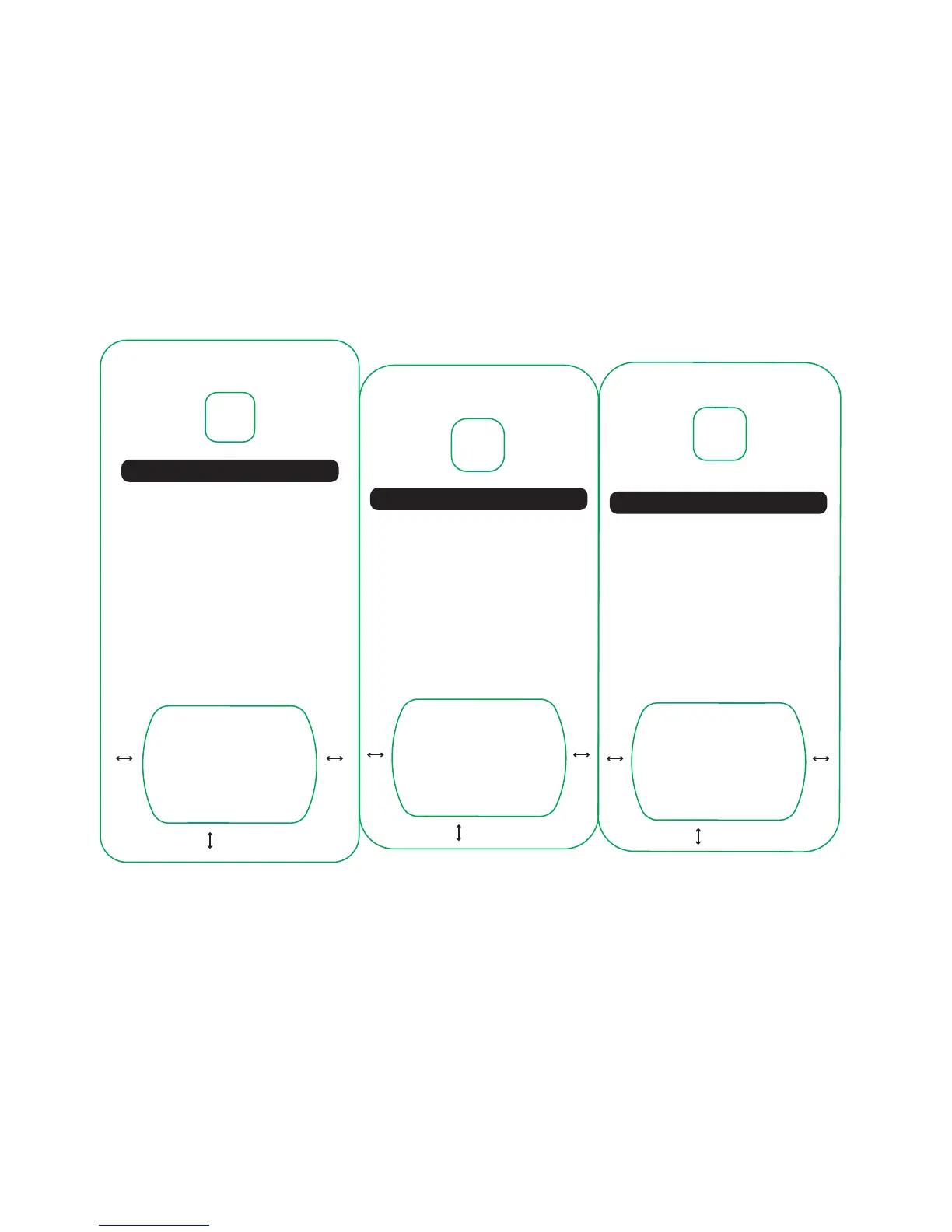
MagicPlate Placement Template
1. Place template on back of the Galaxy S6
2. Remove 3M lm from MagicPlate
3. Place MagicPlate in the designated area below
Visit www.scosche.com/qi
for additional phone templates.
Contact Scosche Customer Service at 800.363.4490
ext. 1, or customerservice@scosche.com
for additional questions.
10.25
mm
9.20mm
For optimal performance, use this template
to install the MagicPlate to your device.
10.25
mm
Samsung Galaxy S6 Edge
MagicPlate Placement Template
1. Place template on back of the Galaxy S6 Edge
2. Remove 3M lm from MagicPlate
3. Place MagicPlate in the designated area below
Visit www.scosche.com/qi
for additional phone templates.
Contact Scosche Customer Service at 800.363.4490
ext. 1, or customerservice@scosche.com
for additional questions.
9.60
mm
9.30mm
For optimal performance, use this template
to install the MagicPlate to your device.
9.60
mm
Samsung Note 5
MagicPlate Placement Template
1. Place template on back of the Samsung Note 5
2. Remove 3M lm from MagicPlate
3. Place MagicPlate in the designated area below
Visit www.scosche.com/qi
for additional phone templates.
Contact Scosche Customer Service at 800.363.4490
ext. 1, or customerservice@scosche.com
for additional questions.
12.70
mm
11.85mm
For optimal performance, use this template
to install the MagicPlate to your device.
12.70
mm



 To Next Page