READY 3
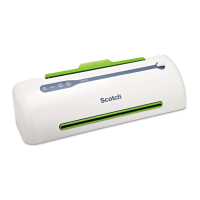
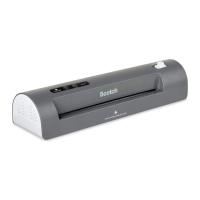
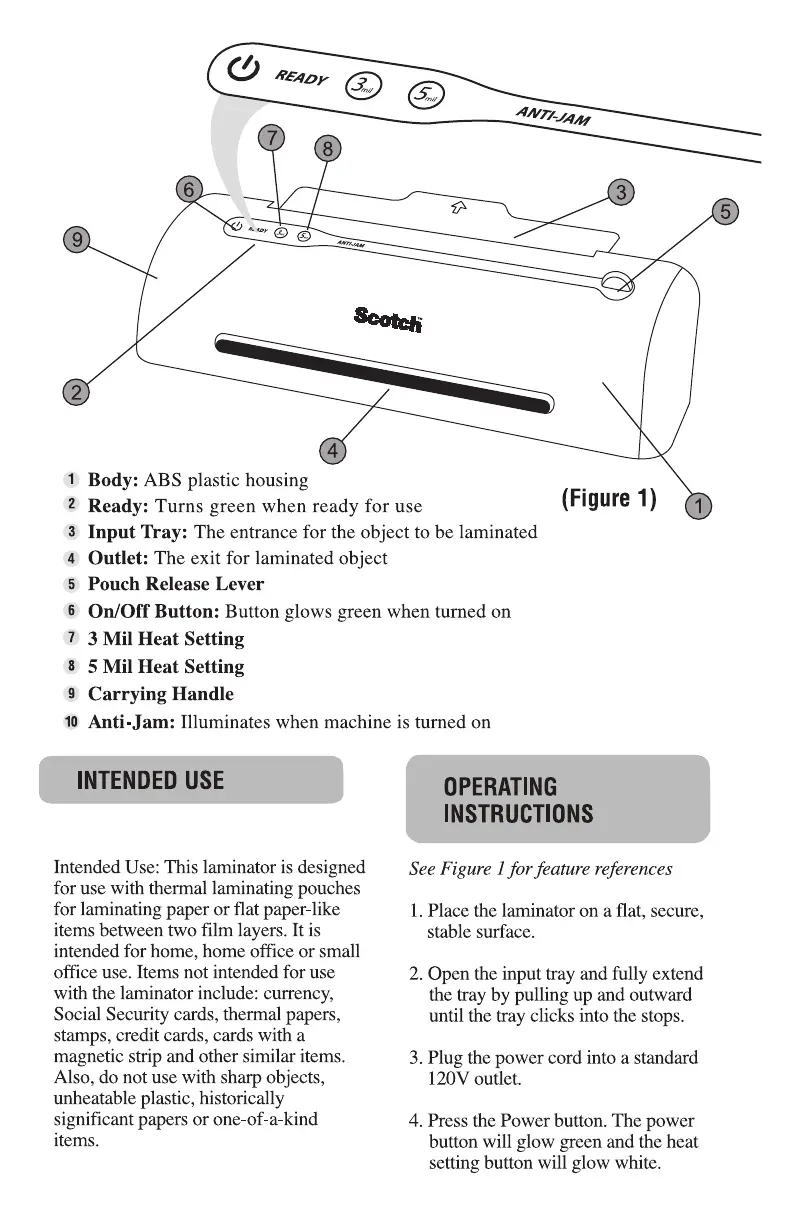
Body: ABS plastic housing
Ready: Turns green when ready for use
AND-JAM
3
(Figure 1)
1
2
3
4
5
6
7
8
9
10
Input Tray: The entrance for the object to be laminated
Outlet: The exit for laminated object
Pouch Release Lever
On/Off Button: Button glows green when turned on
3 Mil Heat Setting
5 Mil Heat Setting
Carrying Handle
Anti-Jam: Illuminates when machine is turned on
INTENDED USE
Intended Use: This laminator is designed
for use with thermal laminating pouches
for laminating paper or flat paper-like
items between two film layers. It is
intended for home, home office or small
office use. Items not intended for use
with the laminator include: currency,
Social Security cards, thermal papers,
stamps, credit cards, cards with a
magnetic strip and other similar items.
Also, do not use with sharp objects,
unheatable plastic, historically
significant papers or one-of-a-kind
items.
OPERATING
INSTRUCTIONS
See Figure I for feature references
I. Place the laminator on a flat, secure,
stable surface.
2. Open the input tray and fully extend
the tray by pulling up and outward
until the tray clicks into the stops.
3. Plug the power cord into a standard
12()V outlet.
4. Press the Power button. The power
button will glow green and the heat
setting button will glow white.


 To Next Page
 Loading...