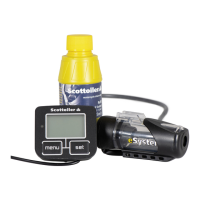
Driving Screen
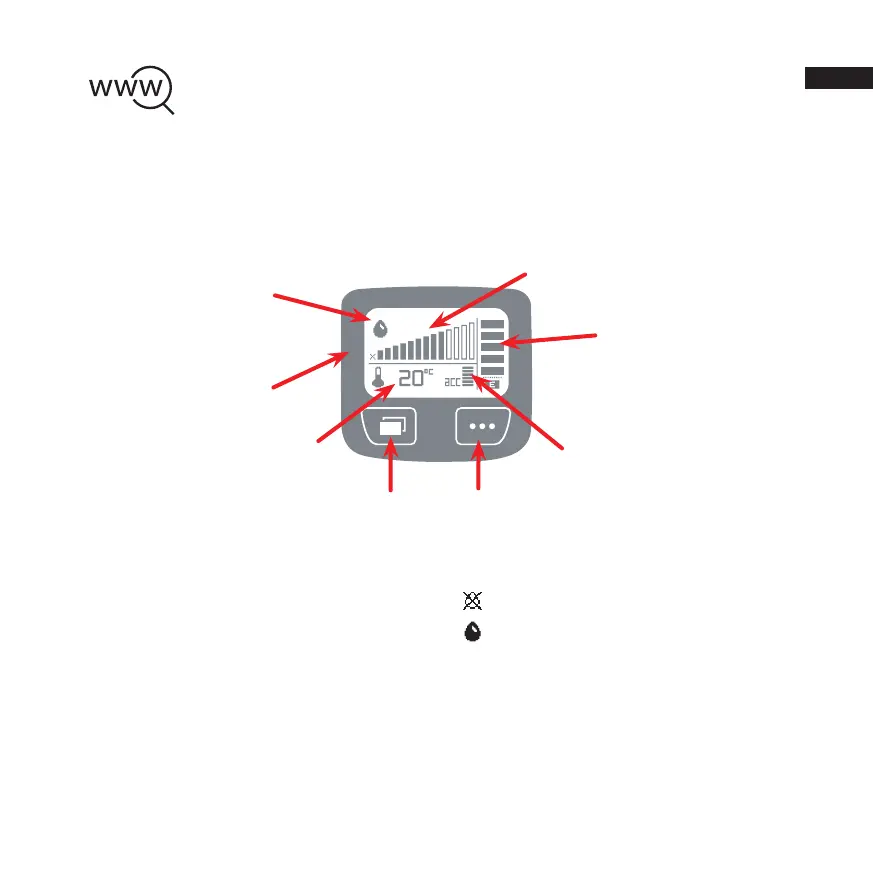
The driving screen is the default screen that provides you with the information you require during
general use of the eSystem. The following information is displayed:
Flowrate: The flow rate is represented as bar
graphs. The flow rate can be adjusted from 1
drop every 5 mins (slowest setting) all the way
to 1 drop every 20 seconds (fastest setting).
Pressing SET will cycle through the flow rates.
Pump LED: The pump LED will flash every
pump stroke.
Temperature: The ambient temperature can be
displayed in degrees Celsius (°C) or
Fahrenheit (°F).
Oil Level: Displays the current level of oil
present in the reservoir(s).
Oiling Mode: Indicates which mode the eSystem
is currently operating in;
Oiling Threshold not reached: The unit is
active but has not reached oiling speed.
Oiling Mode Activated: The unit has sensed
that the motorcycle is in motion and is oiling
the chain.
Accelerometer: Your acceleration is used to
sense the motion of the motorcycle and to turn oil
flow on and off. In addition the display also gives
a representation of accelerometer readings.
Pump LED
Temperature
Accelerometer
Oiling Mode
Oil Level
Flowrate
Looking for more information about your motorbike?
Visit our model-specific installation guides for step-by-step instructions, installation
videos, set-up advice and more: www.scottoiler.com/mybike
MENU
SET
EN


 To Next Page
 Loading...