step two: connect internet
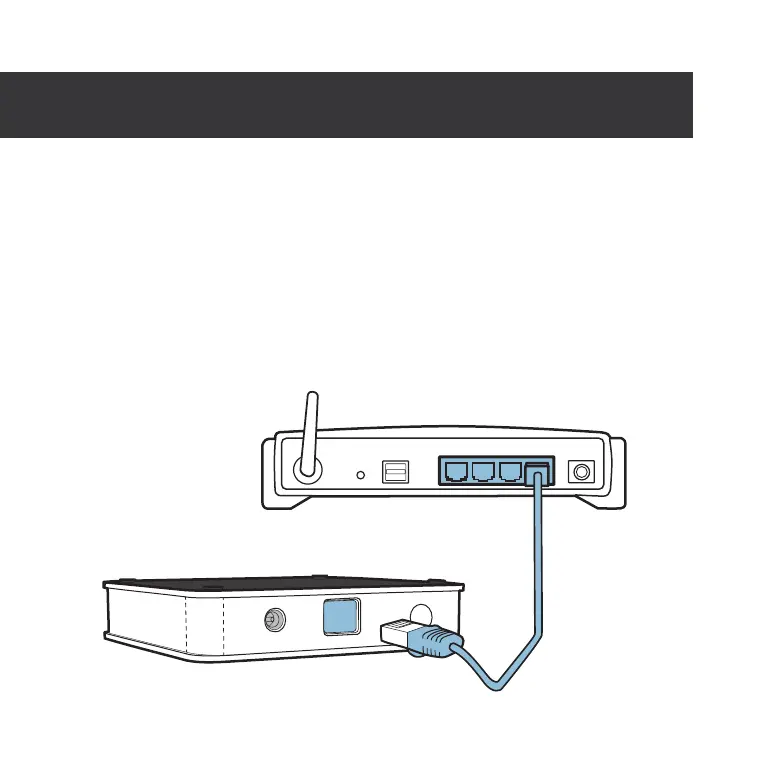
Plug the provided ethernet cord into your router and
then into the back of the hub
. A light on the hub will
indicate that the ethernet plug is connected correctly.
If you do not have a router, click the question mark on
screen or visit support.scoutalarm.com for instructions.



 To Next Page