step one: power on
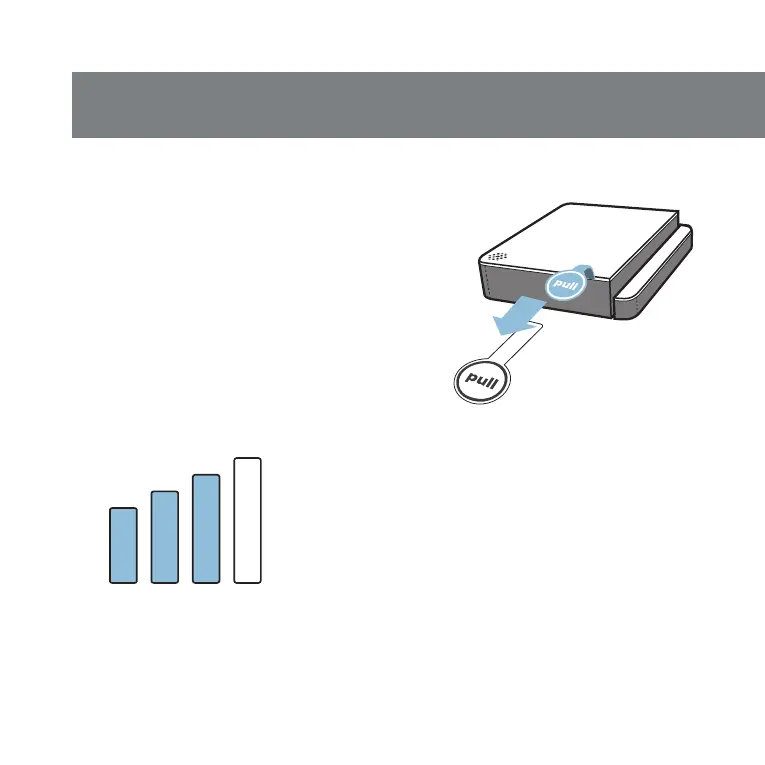
Hold the faceplate down and
remove the battery pull tabs to
engage the batteries.
The door panel will immediately
enter pairing mode to pair with the
hub
. It can take up to 3 minutes for
the device to pair to the hub. The
bars on screen will switch from
unfilled to filled and the door panel
will “chirp” once when paired.



 To Next Page