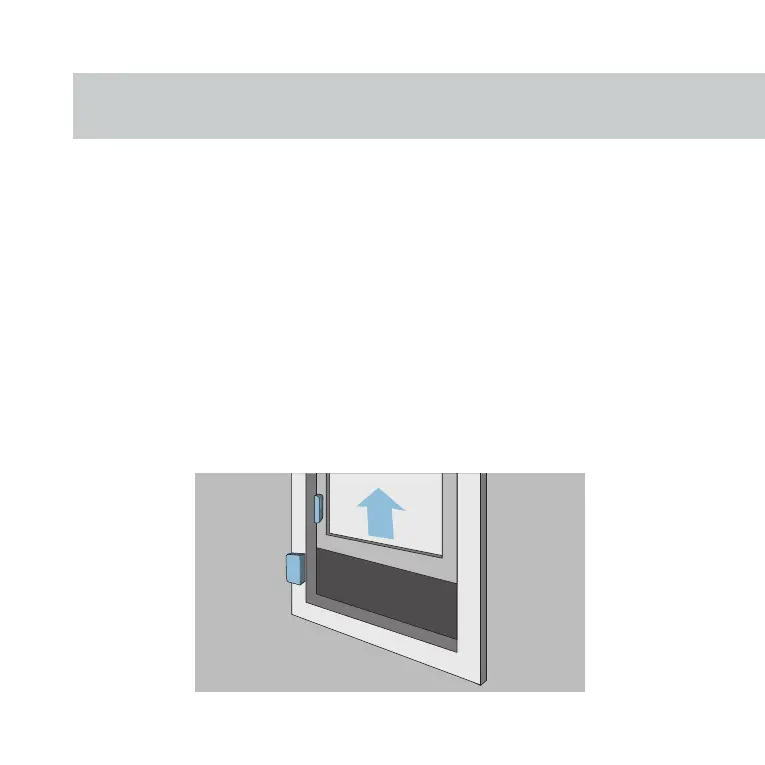
step four: place device
Adhere the large panel on your desired location, flush
with the edge and level to where you will place the
small panel.
Before removing the adhesive on the small panel,
line it up with the large panel and test the proposed
placement on screen. If the icon is not changing, you
will have to move it closer
. Once confirmed, adhere.



 To Next Page