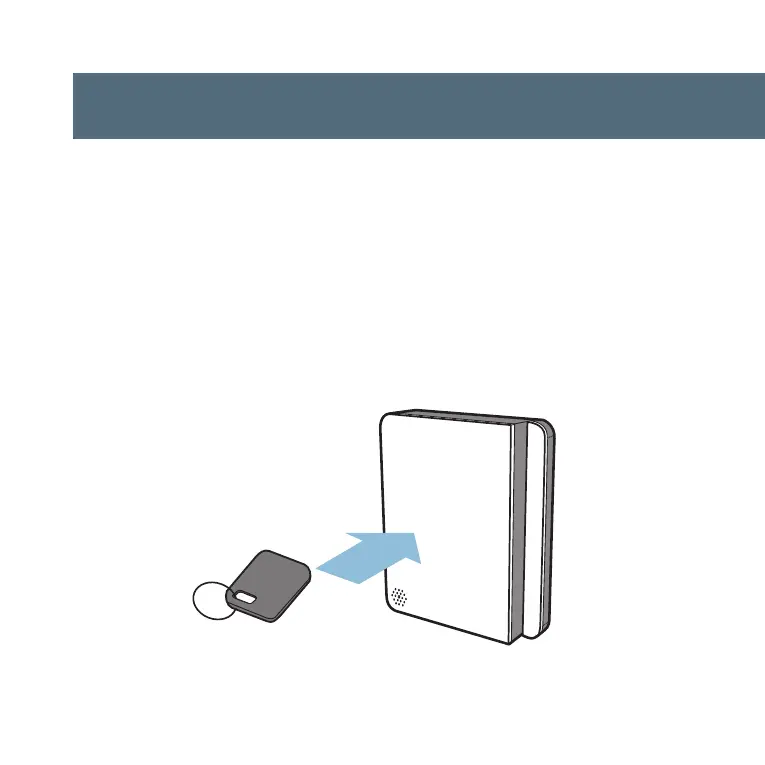
step one: tap to door panel
Choose an RFID fob or stick
er that you would like to
register. Tap it to the door panel. The light will turn
blue when it senses an object in it’s field. The light
will turn green and “chirp” when the RFID device has
been read successfully.



 To Next Page