Temperature Tuning:
1. If when using the pen you see the plastic
bubbling or you hear a crackling noise coming
from the plastic your temperature might be too
high. Try lowering it 5~10°C and see if that helps.
2. Filament should come out smooth and with
out much bubbling but it is normal to have some
small bubbling.
3. While some plastics like PLA are more prone to
oozing, if you nd that your oozing a lot of
plastic you can turn the temperature down on
the pen to help mitigate this. Also check that you
are using the correct lament setting
4. If the lament color looks dim and dark and
you can hear the motor struggling. This means
the temperature is too low increase the
temperature by 5~10°C.
For more help getting started, tips
and tricks, trouble shooting and to
learn more check out our website
www.Scrib3dPen.com or our
youtube channel (scan the QR code).
Troubleshooting:
Problem Reasons Solution
Power indicator
Light will
not turn on
Issue with the AC adapter
or plug
Issue with the electronics
of the pen
Issue with the power socket
of the pen
Replace the AC adapter
with another: 5v, 2A, 3.8mm
barrel center + adapter
The pen’s electronics need
servicing please contact
help@Scrib3Dpen.com if
the pen is under warranty
Nothing is coming
out of the nozzle
The temperature is not high
enough or the wrong mode
for plastic was selected
Check mode the pen is in is
correct of the plastic you are
using. You can also try
adjusting the temp manually
Filament has stripped
ie. a chunk has been
taken out of the lament
and the drive system can’t
push it anymore
Reverse the lament out of
the pen. Cut o the damaged
portion and throw it away
and try again
Filament won’t go in
Make sure the lament has
a at surface on the end
going into the pen
No motor noise
Possible issue with the
electronics or the motor
please contact us at
help@Scrib3Dpen.com
Pen not heating up
Problem with the heating
element/nozzle
Replace the nozzle. See
Scrib3Dpen.com for more info
Motor is struggling
Could be an issue with the
lament inside
Reverse out the lament. Cut
o any swollen or deformed
parts and cut a new end
before reinserting.
"ERR" displayed on
the screen
Temperature is too high for
the mode you are in / or the
nozzle is loose
NOTE: Your pen will go into sleep mode after being inactive
for 5 minuts (as a safety feature). Click any button to wake it
up and restart the heating sequence.
Here are some common problems and possible solutions to
these issue. If you can’t resolve the issue please reach out to
our customer service by email us at help@Scrib3Dpen.com
Snip those tips! When you change plastic or
before you insert a new strand make sure the
lament has a at surface so it can push the
previous lament. Failure to cut the end o
the plastic can result in jams or pens not
extruding. Check out tips on how to solve
such issue on page 6.
We recommend only using the Reverse
button when removing and changing
lament. If only partially withdrawn,
lament can swell in the pen and create
jams. If this happens, fully withdraw the
lament and cut the swollen part o.
Filament quality varies greatly. We
always recommend using Scrib3D
lament, and storing it in a sealed and
dry location.
Plastic may continue to ooze
slightly after the pen stops.
This is more pronounced with
PLA. This is a common
Phenomenon (i.e. glue guns
and 3D printers). If you see this
happening, slightly decrease
the temperature.
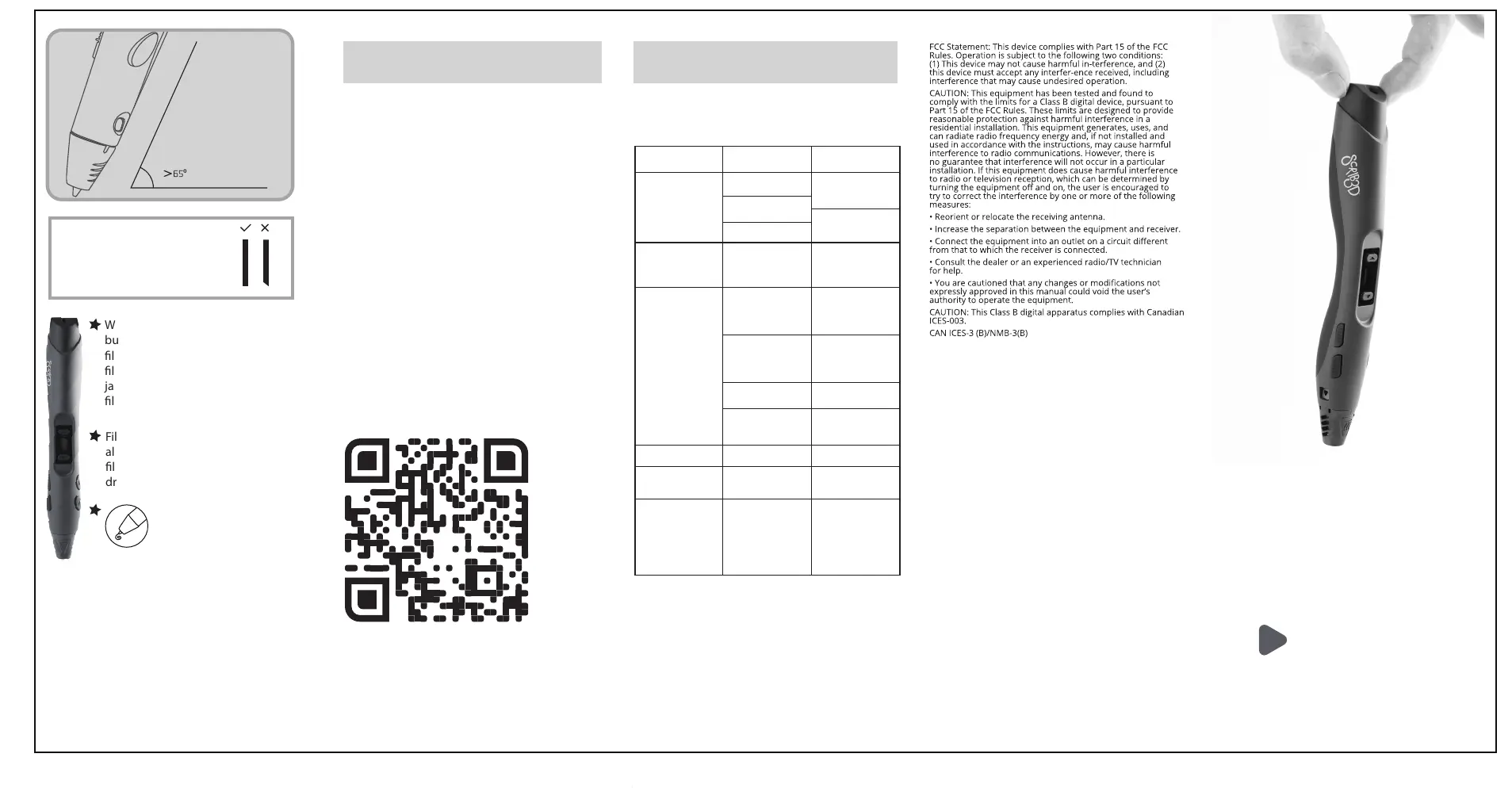
When using your Scrib3D
Advanced 3D Pen you will
nd the best results for
drawing at object and on
surface from holding the pen
at an angle of 65 degrees or
higher.
ISSUES?
Before returning to the
retailer see if we can help
Check out our tutorials:
SCRIB3dPen.com/tips
Need more help? Contact us
help@SCRIB3dPen.com
Unplug the pen and let it
pen cool down for
approximately 3 mins / or
try to push the nozzle back
into place. If issue persists,
reach out to customer
service:
help@scrib3dpen.com
Red and Green
indicator light
ashing
Low-power adapter or
power bank
Change power bank or
adapter to one that has a 2
Amp output


 To Previous Page
 Loading...