01
1.Installation
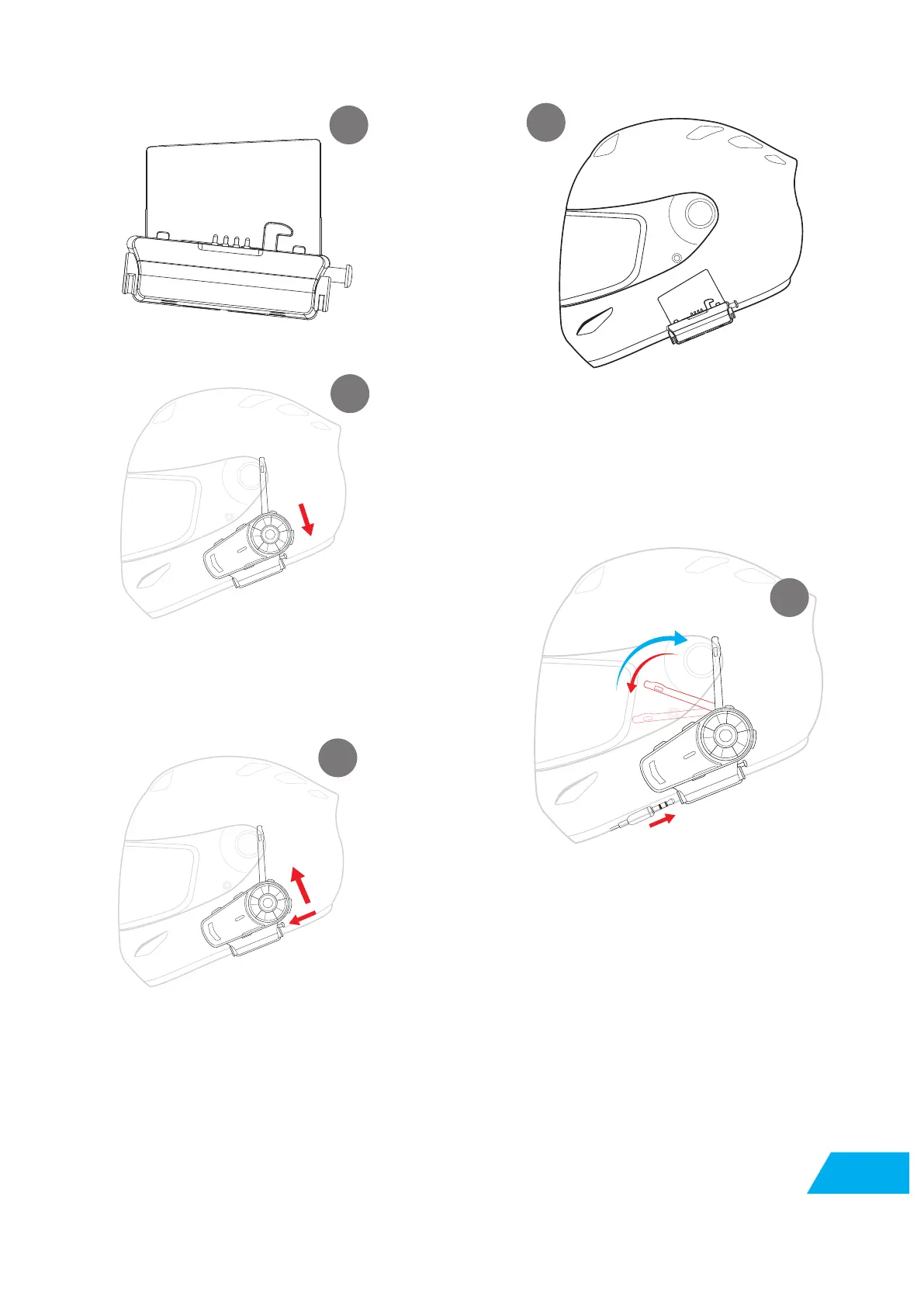
Get Headset base out
Fix Headset in the suitable position ,
hide the speaker cable
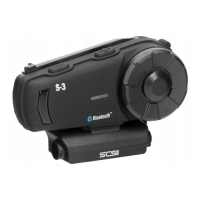
Install S-3:Push S-3 to the base ,
the clip will lock S-3 automatically
To Release S-3:Press the right side release
button , pull S-3 up at the same time
Plug in the microphone cable
Remark:Please make sure the mic is close to user’s mouth and speaker close to user’s ears .
Utilise the provided foam spacers to position speakers closer to ears.
1
2
3
4
5


 To Next Page