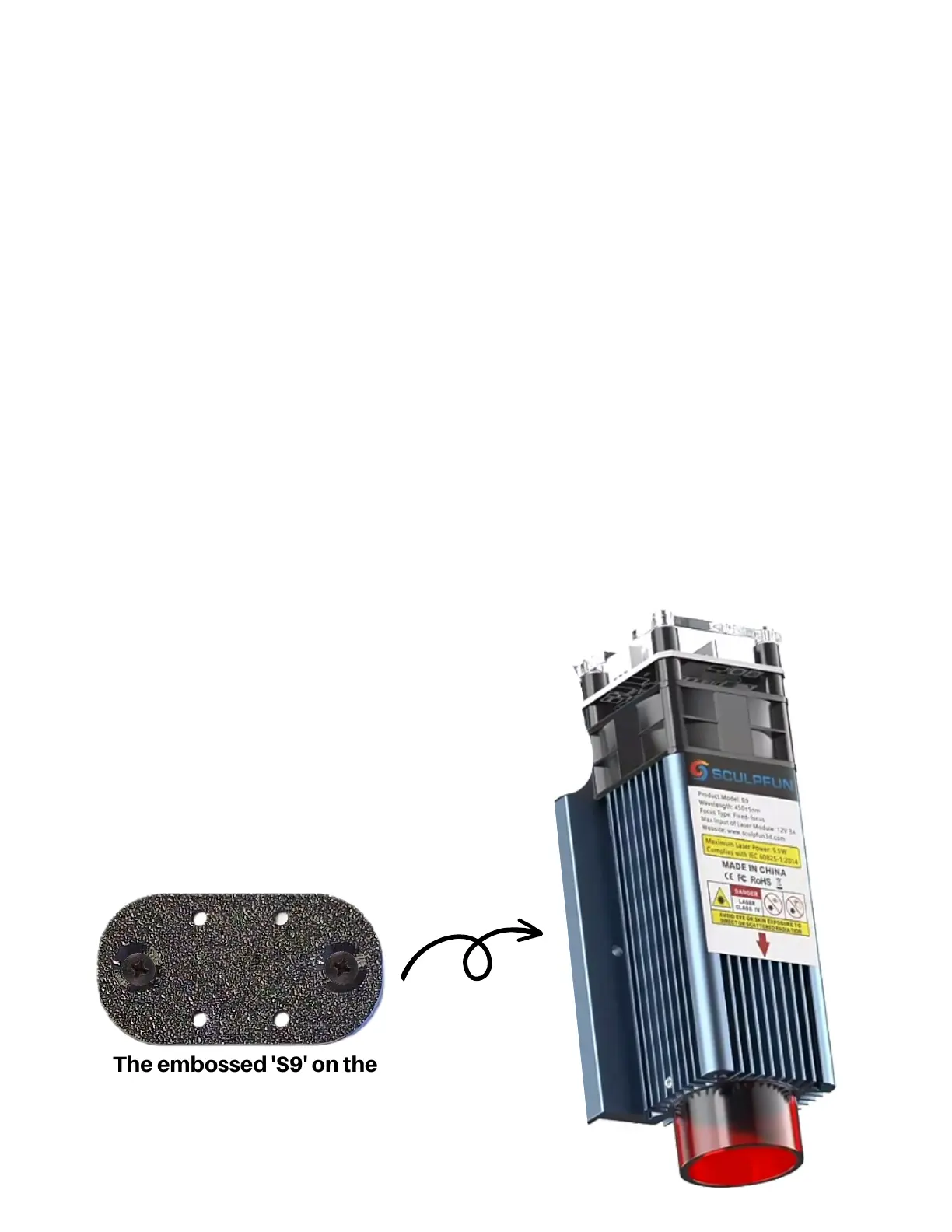
The embossed 'S9' on the
module adapter plate will face
the module.
2nd Attach the Module Adapter
Now, with the nuts installed and the Sculpfun
module removed, face the King Gubby Module
Adapter Plate's 'S9' to the Sculpfun Module,
aligning the countersunk holes with the
available holes in the module. Use the
provided countersunk M4 screws to attach the
Module Adapter Plate to the Sculpfun Module.
This should 'sandwich' or hide the 4 x M3 nuts,
that were installed in the last step, up against
the module.


 To Next Page