25
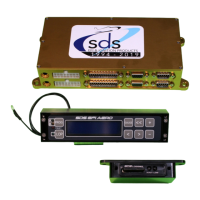
LCD Programmer
The programmer allows you to access all points within each parameter and change values to program
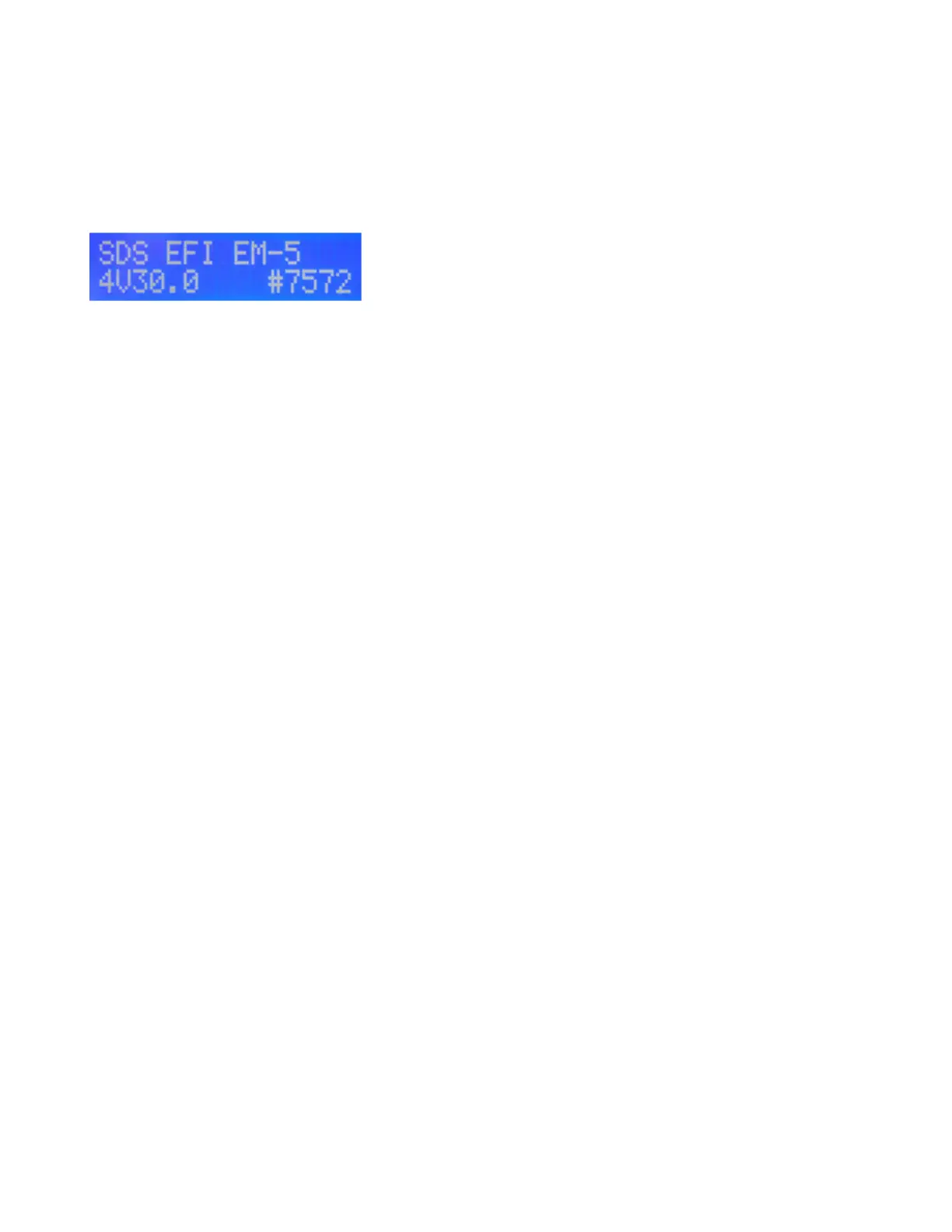
the system. When powered up, SDS EFI should appear in the LCD window along with the system
type, software version and burn#. From here, parameters may be called up by pressing the right or
left parameter select buttons (< or >). As each parameter is gone through, the next parameter will
appear in the window.
Boot up screen:
Parameters will appear in the programmer window in the following order from left to right:
GAUGE 1
GAUGE 2
GAUGE 3
GAUGE 4
MAGNET SEEN/NOT SEEN (F only) or TACH 1/0(D only)
SETUP MODE ENTRY
LCD BRIGHTNESS
LCD CONTRAST
GAUGE BUTTON SELECT, GAUGE1 or GAUGE4
LOP CONTROL. New for V30 software
LOP MAX MANIFOLD PRESSURE. New for V30 software
LOP IGNITION ADVANCE. New for V30 software
LOP LEAN FUEL ENABLE or DISABLE. Renamed in V30 software
LOP LEAN FUEL %. Renamed in V30 software.
CRANK IGN RETARD (F only)
FUEL TRIM #1 (option must be activated)
FUEL TRIM #2 (option must be activated)
FUEL TRIM #3 (option must be activated)
FUEL TRIM #4 (option must be activated)
LEAN WARNING
A/C FAST IDLE or NITROUS RETARD (F only, not used in aviation applications)
PIN 13 INPUT selects use of aux input on some systems typically this window will not be used for
aviation applications with new additional LOP windows above.
O2 TYPE (standard or wideband)
IDLE FUEL AMOUNT (not used on aviation typically)
IDLE TP LOCATION (not used on aviation typically)
RADIATOR FAN ON
RADIATOR FAN OFF
FAST IDLE SWITCH (not used in aviation applications)
RPM SWITCH ON AT (usually used on Honda VTEC engines)
FUELCUT BELOW TP (not used in aviation applications)
FUELCUT/RPM
FUELCUT/MANPRESS
VALUES LOCK ON/OFF
CLOSED LOOP ON/OFF
CL LO RPM LIMIT
CL HI RPM LIMIT
CL MAP LO
CL MAP HI
KNOCK MAX RPM (E, F only)
KNOCK SENSE (E, F only)


 To Next Page
 Loading...