EasyManua.ls Logo

Sea-Bird Scientific SUNA V2 - User Manual

Sea-Bird Scientific SUNA V2
54 pages
Print Icon
To Next Page IconTo Next Page
Loading...
User manual
SUNA V2 (2k)
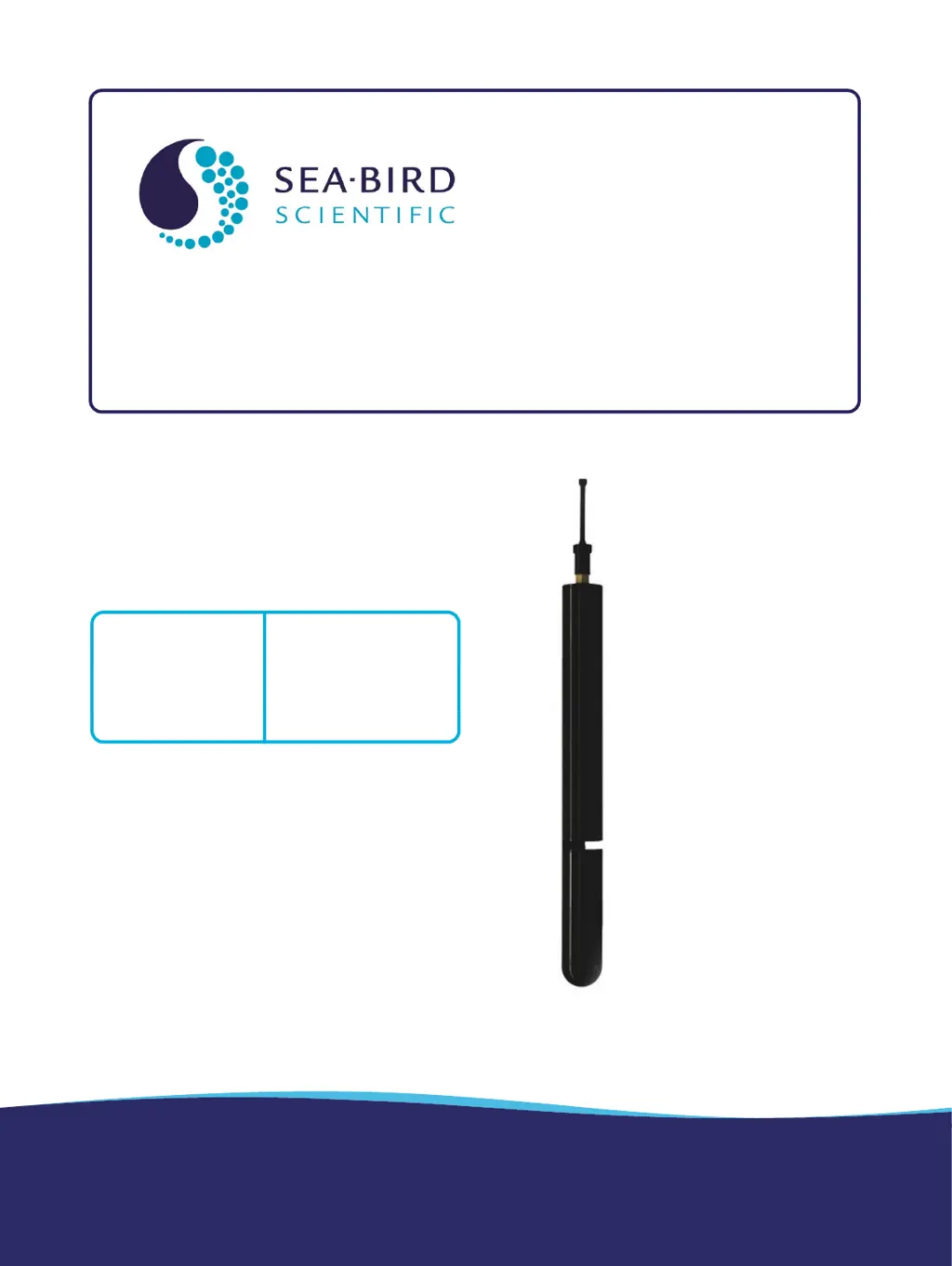
Submersible Ultraviolet Nitrate Analyzer
Document No. SUNASUNADeep
Release Date: 2022-05-24
Version: G
425-643-9866
seabird.com

Table of Contents

Questions and Answers

  • C
    Chad Kelly MDSep 13, 2025
    Why are nitrate values frequently "-1" or "NAN" Sea-Bird Scientific SUNA V2?
    • J
      John MartinezSep 13, 2025
      If your Sea-Bird Scientific Measuring Instruments nitrate values are frequently "-1" or "NAN", ensure that the lamp intensity is sufficient by measuring the spectrum in DI or tap water, aiming for a maximum output greater than 10000, ideally greater than 30000. Also, review the data: if the maximum is less than 1000 and the lamp intensity is sufficient, the water sample may be optically dense.
  • C
    clarkdianaAug 25, 2025
    What to do if Sea-Bird Scientific SUNA V2 self-test fails for low spectrum average or high dark counts?
    • A
      Amy FreemanAug 25, 2025
      If the self-test fails for low spectrum average or high dark counts on your Sea-Bird Scientific Measuring Instruments, clean the optical windows with a low-lint swab or tissue and isopropyl alcohol. The average value in DI water should be within these specifications: Dark spectrum: 500–1000 counts, with a standard deviation of no more than 12 counts; Maximum light spectrum: no more than 55000, with no more than 60-count standard deviation; Average light spectrum: approximately 10000–15000 counts, with ranges to at least 20000 counts. An average value of
  • H
    Hayden JacksonAug 26, 2025
    Why does Sea-Bird Scientific SUNA V2 Measuring Instruments show baseline drift?
    • T
      Timothy ParkAug 26, 2025
      Baseline drift in Sea-Bird Scientific Measuring Instruments may occur if the lamp is degraded. If the rate is approximately 0.004 mgN/L per hour of lamp "on" time, apply drift corrections.
  • B
    brandy45Aug 28, 2025
    What to do if Sea-Bird Scientific SUNA V2 self-test fails for internal humidity?
    • Z
      Zachary NguyenAug 28, 2025
      If the self-test fails for internal humidity in your Sea-Bird Scientific Measuring Instruments, monitor the sensor and perform a sensor self-test at regular intervals. Ensure the sensor isn't attached too tightly to any frame, which could cause the pressure housing to become out-of-round.
  • F
    Francisco RichAug 29, 2025
    How to fix sensor to software communication issues Sea-Bird Scientific SUNA V2 Measuring Instruments?
    • J
      Jodi LiuAug 29, 2025
      To address sensor communication issues with the software, ensure the sensor-PC cable is correctly connected and that the latest software and firmware versions are installed.
  • R
    Ryan BarnesSep 2, 2025
    What to do if nitrate values are not stable Sea-Bird Scientific SUNA V2?
    • J
      jose47Sep 2, 2025
      If you're experiencing unstable nitrate values with your Sea-Bird Scientific Measuring Instruments, start by checking if the optical area is obstructed by debris. Ensure the wiper is functioning correctly, and then thoroughly clean and dry the optical area to remove any potential contaminants.
  • M
    Michele LeeDec 1, 2025
    How to troubleshoot Sea-Bird Scientific Measuring Instruments sensor that does not turn on?
    • E
      Emily WebbDec 1, 2025
      If your Sea-Bird Scientific Measuring Instruments sensor doesn't appear to be on, verify the cable connection and power source. If issues persist, power cycle the sensor by turning it off for at least 60 seconds before turning it back on, and try a different cable. Ensure the sensor receives 8–15 VDC with at least 1 amp of current, checking the cable voltage at contacts 1 (+) and 2 (-) with a DMM in DC voltage mode. Also, confirm the sensor's mode of operation by using a terminal program and typing "$" then "Enter" multiple times to get a prompt. Check the cable's continuity and refer to the sensor specifications for connector functions. Finally, verify power consumption: > 500 mA at 12V indicates data collection mode (look for a blue spot in the optical area), > 5 mA indicates standby mod...
  • R
    Robert BerrySep 15, 2025
    How to fix self-test fails for low spectrum average or high dark counts Sea-Bird Scientific Measuring Instruments?
    • S
      Shane WhitneySep 15, 2025
      If your Sea-Bird Scientific Measuring Instruments self-test fails due to a low spectrum average or high dark counts, clean the optical windows using a low-lint swab or tissue with isopropyl alcohol. The average value in DI water should be within these specifications: Dark spectrum: 500–1000 counts (standard deviation ≤ 12 counts); Maximum light spectrum: ≤ 55000 (standard deviation ≤ 60 counts); Average light spectrum: approximately 10000–15000 counts (ranges to at least 20000 counts). An average value below 10000 may indicate dirty or stained optical windows, or a degraded lamp.
  • C
    Charles MendozaSep 12, 2025
    What to do if self-test fails for internal humidity Sea-Bird Scientific SUNA V2 Measuring Instruments?
    • S
      Steven MccarthySep 12, 2025
      If your Sea-Bird Scientific Measuring Instruments self-test fails for internal humidity, monitor the sensor and regularly perform self-tests. Ensure the sensor isn't too tightly attached to any frame, which could distort the pressure housing.
  • J
    Jose PonceSep 8, 2025
    How to resolve negative nitrate concentration Sea-Bird Scientific SUNA V2 Measuring Instruments?
    • E
      Emily ShafferSep 8, 2025
      If your Sea-Bird Scientific Measuring Instruments shows negative nitrate concentration, clean the optical area and inspect the reference spectrum, applying a new one if needed. Make sure the sensor is submerged in water. Verify that the "Deploy in Fresh Water" box is appropriately checked and check the salinity compensation settings.

Summary

SUNA Quick Start Guide

SUNA Specifications

Mechanical Specifications

Details about the physical characteristics of the SUNA sensor.

Electrical Specifications

Electrical specifications including input voltage and current draw.

Optical Specifications

Optical properties such as spectral range and light source.

Analytical Performance

Analytical performance including accuracy and precision.

Sensor Setup and Verification

Software Installation and Launch

Steps to install and launch the manufacturer-supplied software.

Sensor Operation Verification

Procedures to confirm the sensor is functioning correctly and communicating.

Wiper Operation Test

How to test the sensor's wiper functionality.

Data Collection Verification

Steps to confirm the sensor is acquiring and displaying data.

Data Transmission Verification

How to ensure data is transferred from the sensor to the PC.

Deployment and Recovery

Deployment Wizard Setup

Guide to using the software wizard for sensor deployment setup.

Sensor Recovery Procedures

Procedures and safety for retrieving the sensor after deployment.

Data Transmission

Export Data to CSV or Excel

Steps to export sensor data into common file formats.

Data Processing Options

Various methods for processing collected sensor data.

Multi-Sensor Data Display

How to view data from several sensors simultaneously.

Maintenance

Routine Sensor Cleaning

Routine cleaning and care for the SUNA sensor.

Bulkhead Connector Cleaning

Procedures for cleaning sensor connectors to ensure proper function.

Reference Spectrum Updates

How to update the sensor's reference spectrum for accurate readings.

Reference Spectrum Comparison

Comparing reference spectrum files to monitor changes over time.

SUNA Firmware Updates

Instructions for updating the sensor's firmware.

Reference

Sensor Communication Protocols

Details on sensor communication methods and data formats.

Terminal Program Usage

Using terminal programs for sensor communication.

SUNA Theory of Operation

Explains the scientific principles behind the SUNA sensor's operation.

Measurement Interferences

Discusses factors that can affect measurements and how to address them.

CDOM Absorption Effects

Explanation of Colored Dissolved Organic Matter impact.

Optional Sensor Equipment

Details on accessories like anti-fouling guards and flow cells.

Software Reference

Software Sensor Dashboards

Overview of the software dashboard for sensor control and status.

UCI Menu Settings

Settings and preferences within the UCI software.

Sensor-Specific Menus

Options available in the sensor-specific menus.

Software Data Menu

Functions for viewing and exporting data.

Software View Menu

Options for customizing the software display.

Window and Help Management

Managing software windows and accessing help resources.

General Software Settings

Miscellaneous software configuration options.

Troubleshooting

General Information

Product Warranty Information

Information regarding the product warranty and manufacturer's website.

Service and Support Procedures

Procedures for returning the sensor for maintenance and contacting support.

China RoHS Disclosure

Table detailing hazardous substances in product components.

Sea-Bird Scientific SUNA V2 Specifications

General IconGeneral
Light SourceDeuterium lamp
TypeNutrient Analyzer
Accuracy±2 µM or ±10% of reading, whichever is greater
Precision±1 μM
Detection Limit0.3 µM
Operating Temperature-5°C to 45°C
Storage Temperature-20°C to 60°C
Power Consumption5 W
CommunicationRS-232, RS-485
Data OutputASCII
DetectorPhotodiode