6. Detail description of display mode
The 9×1 HDMI Seamless Switcher have 4 display modes.
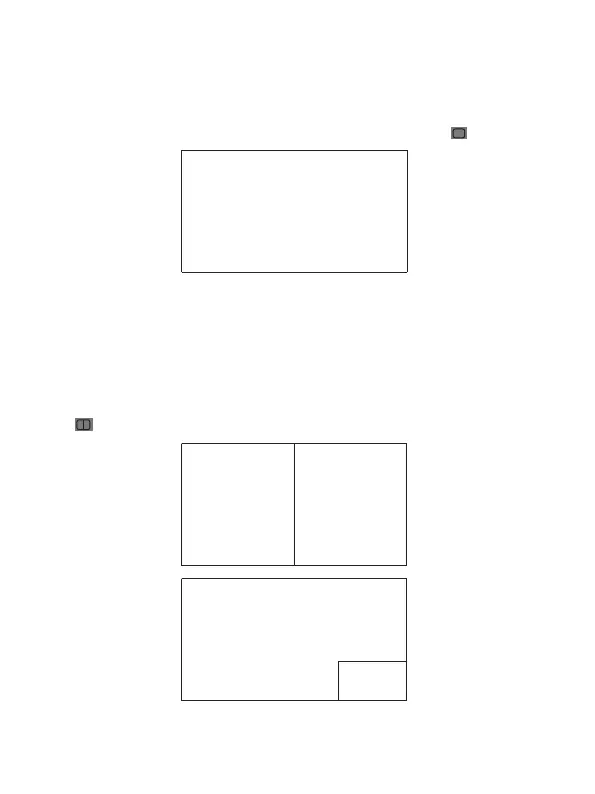
MODE1:The 9x1 HDMI Seamless Switcher will display nine HDMI inputs separately.
Switch to the front panel or remote control MODE button. Operating illustration: select
MODE 1 button→select HDMI input source button [MODE 1 button( )→x].
MODE1-9×1 Seamless Switcher
MODE2: The 9×1 HDMI Seamless Switcher devides two HD inputs and display on a
screen. Select input signal source to different display screen. Operating illustration:
press MODE 2 button(If you want to output the other display mode, please press this
button two times continuously.)→press IN button→press HDMI input source button→
press OUT button→press HDMI input source button(MODE 2 button→IN→x→OUT→y).
For example, if user need the second screen from the third HDMI input port [MODE 2
button( )→IN→3→OUT→2].
MODE2-2×1 Multi-Viewer
The 1st screen The 2nd screen
The 1st screen
The 2nd
screen
6/12
Website: www.seada.co.uk E-mail: sales@seada.co.uk



 To Next Page