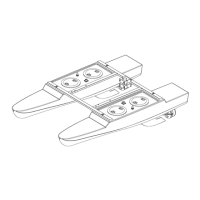
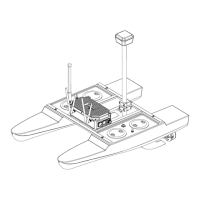
• 200 kHz Echosounder transducer
- Digital smart transducer
- 7 degree beam
- Bottom tracking technology
- QA Sonar strength signal
- Breakaway design
• 12-volt power supply/charger
- Rapid Charge
- Discharge feature
- Charge disconnect when battery is fully charged
• Serial interface cable
- Used for data transfer
• Training CD-ROM
- User Manual
- Other programs
• 1-year Warranty parts & labor
Options
• HydroLite-TM Pole Kit
• Custom Case
• GPS
• Datalogger
• Software
• Sidescan Sonar
Getting Started
The Sonarmite echosounder can be used in multiple configurations.
• Log in Hypack or other hydrographic survey software on laptops
• Using DGPS
• RTK GPS
• Survey Topo Software on data collectors
• SM Mobile Software
• RC Unmanned Boats
• Robotic Total Stations
Switching the System On
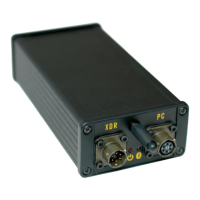
Plug in the Transducer cable to the control box; look for a blinking red LED light. Red
light indicates that the system is on and outputting depths. The transducer MUST be in


 To Next Page