REVIEWERS’ GUIDE: MAXTOR CENTRAL AXIS
7
• An Ethernet cable is included. Connect Central Axis to an
available network port before switching on the power.
• Switch on the power then install the client software.
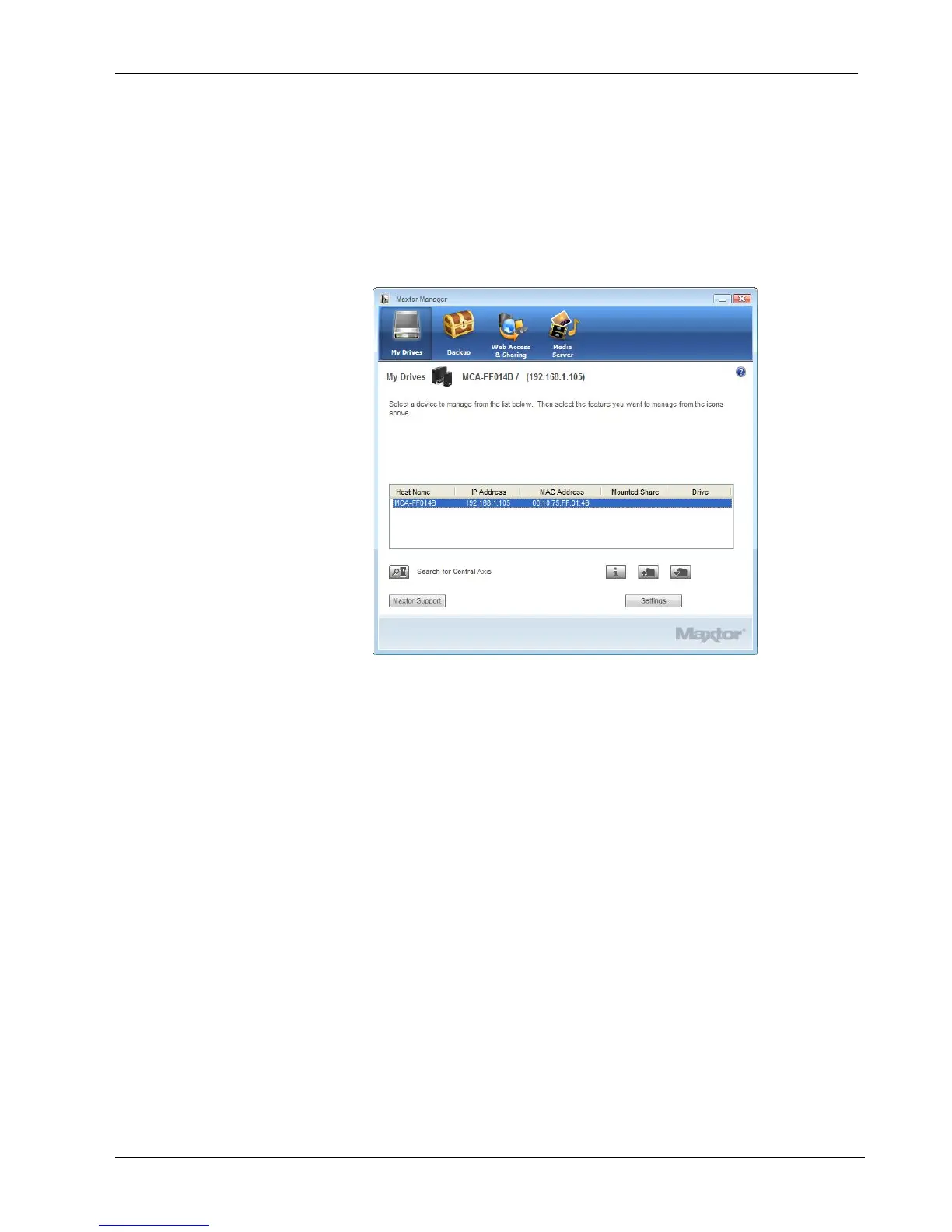
The “My Drives” screen.
Click the “My Drives” icon to display a list of connected Central
Axis devices (top screen), then click the Settings button to display
the lower screen. Select “Maxtor Central Axis Admin Web
Page.”
On the second Admin Web Page displayed in your browser, set up
the Central Axis Storage Drive and assign an administrator
password so non-administrators cannot change settings.



 To Next Page