REVIEWERS’ GUIDE: MAXTOR CENTRAL AXIS
9
backup, and restore backed up files. Each PC running the Central
Access Manager software can setup one backup plan.
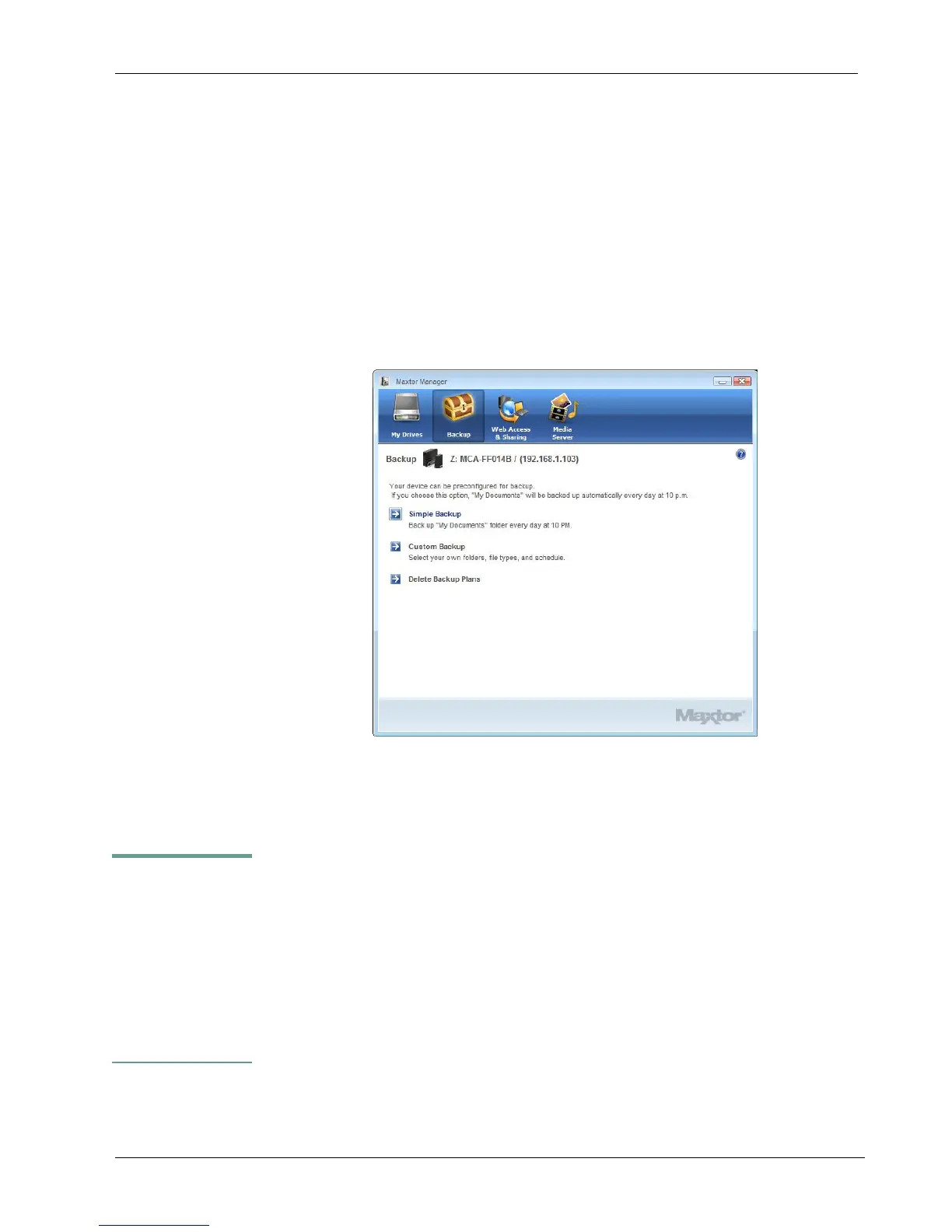
You can create one backup plan, choosing from two types:
• Simple Backup: Pre-configured to back up your Windows
XP “My Documents” folder or Windows Vista “Personal
Folder” every evening at 10:00 p.m.
• Custom Backup: You choose the folders to be backed up,
set a backup destination and schedule.
Click the Backup icon (treasure chest) to display the backup screen
To create a Custom Backup plan, choose “Custom Backup.” You
can then select folders and choose the time and days you want the
backup to start.
CENTRAL AXIS SAVES
10 PREVIOUS, OR
HISTORICAL,
VERSIONS OF EACH
REVISED FILE,
ALLOWING YOU TO
RECOVER A PREVIOUS
VERSION



 To Next Page