OPERATION
MANUAL
16 of 22
Section 3: POWER FAILURES, ALARMS, AND TROUBLESHOOTING
3.3 ALARMS
Sensors, alarms, and shutdowns are provided to allow unattended operation. Sensors measure drive
temperatures, gimbal angle, brake pressure, and vessel motion. The Seakeeper controller sends
sensor values and alarm information to the display and locks the brake and shuts down the motor
drive in the event of an alarm condition. Seakeeper operating history during faults or alarms is
recorded in the controller’s memory for subsequent recall if service is needed. Seakeeper and
Seakeeper Dealers may access the Seakeeper’s software to gather run hours, bearing loading, and
hull slamming information.
NOTE: the ConnectBox indicates the presence of an alarm only. The Seakeeper Application must be
used on either the Seakeeper 5” Touch Display or the MFD to identify and address the alarm.
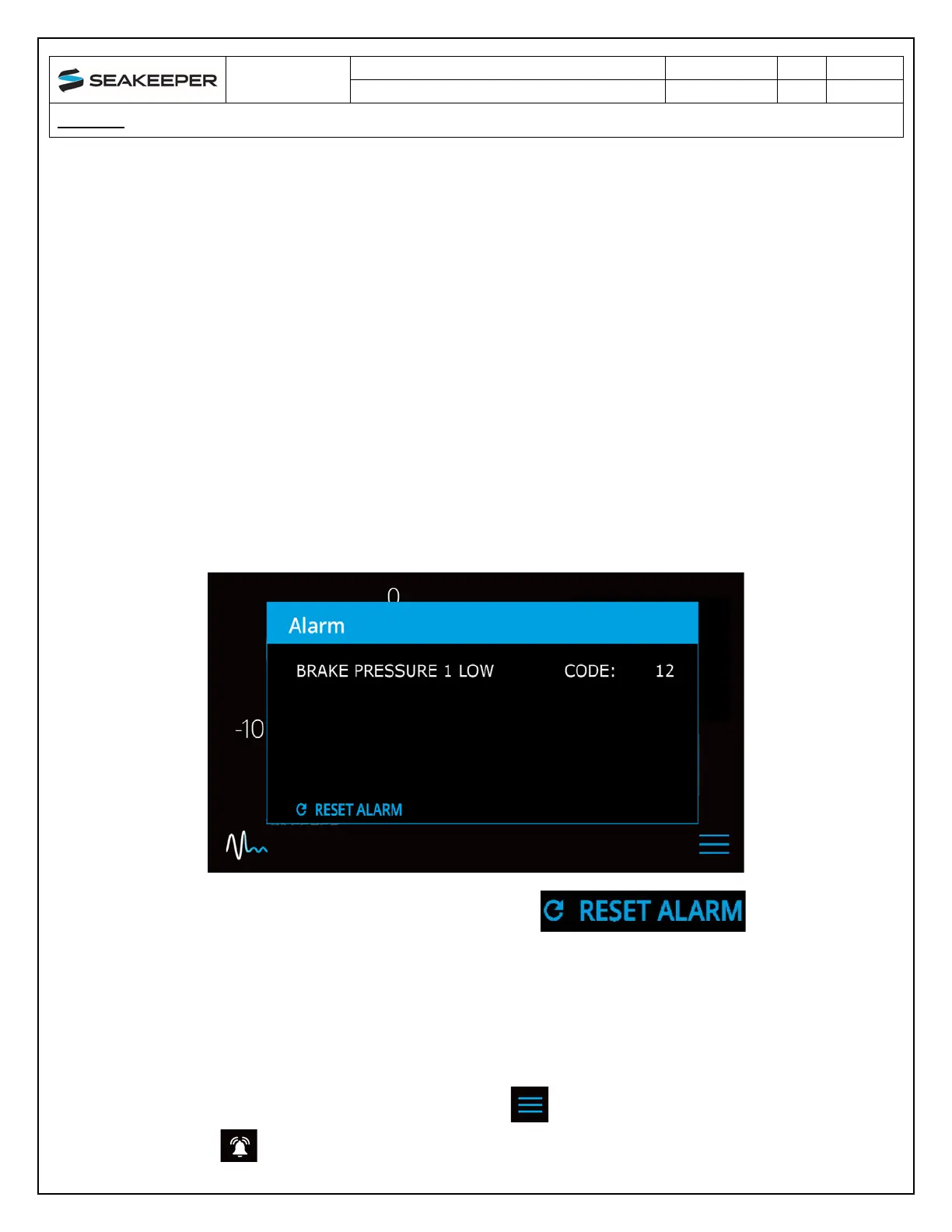
The alarm will not clear until the operator presses the Reset Alarm button
and
the alarm condition is
no longer present. The operator can then press the POWER button again to resume Seakeeper
operation.
• A view of a typical Alarm screen.
• To
reset the alarm, press the RESET ALARM button:
3.4 ALARM HISTORY
The alarm history page on the Seakeeper Application shows the recent alarms and warnings. Alarms
trigger a pop-up message to be displayed on the Seakeeper App and cause the ConnectBox power
button to pulse red as alarms affect Seakeeper operation. Warnings will be listed in the alarm history
but do not affect Seakeeper operation. The alarms and warning history are in chronological order
starting with the most recent. Press the MENU button to show the page options and then the
ALARM button to show alarm history.



 To Next Page