1. From the Home Screen, press the Settings icon on the bottom right of the display.
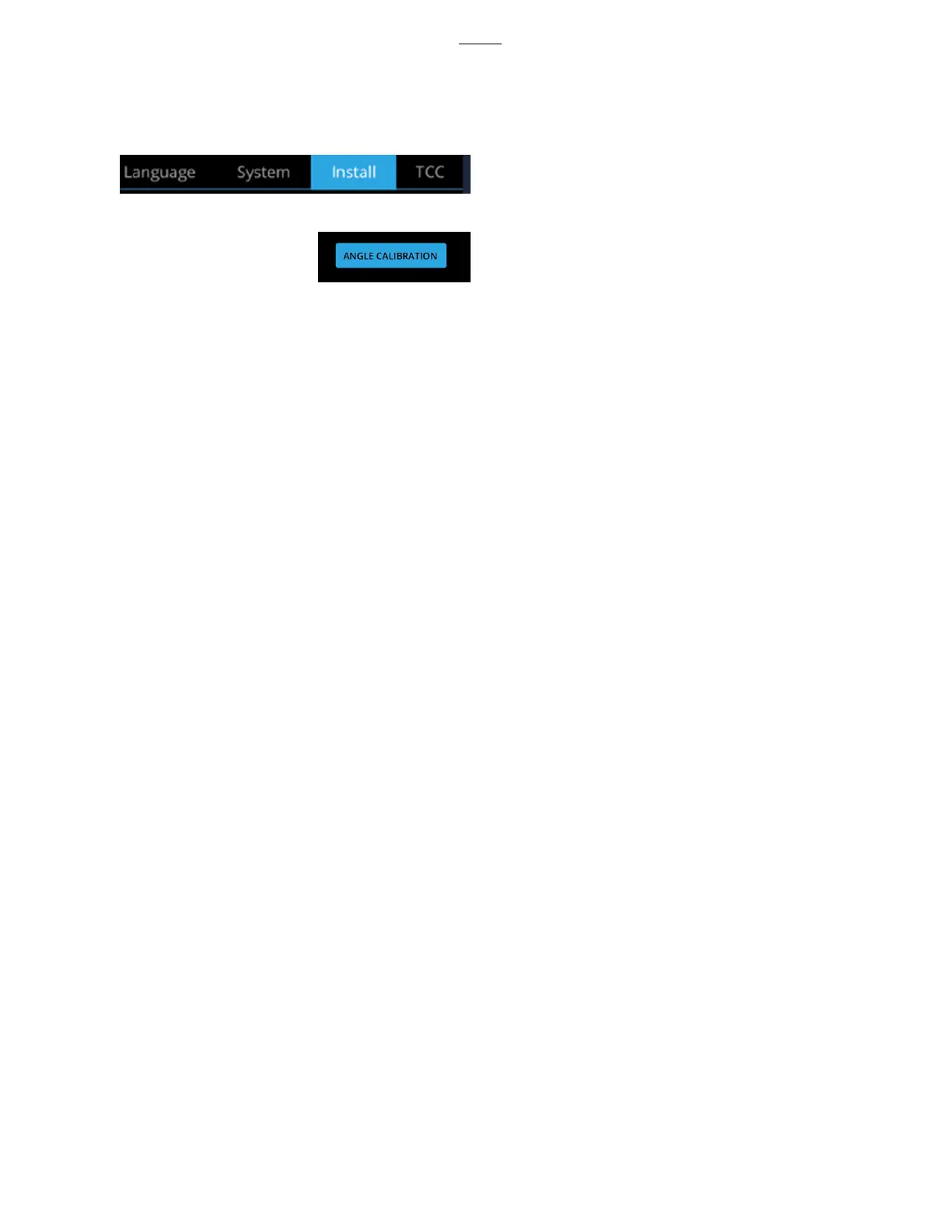
2. Select the Install screen in the top right of the display.
3.
Select Angle Calibration.
4. You will be asked if you wish to proceed. Press Continue.
5. Selecting Angle Calibration again will provide another prompt asking if you wish to proceed.
Press Continue again.
6. The calibration will begin. Once completed, the Install screen will reappear.



 To Next Page