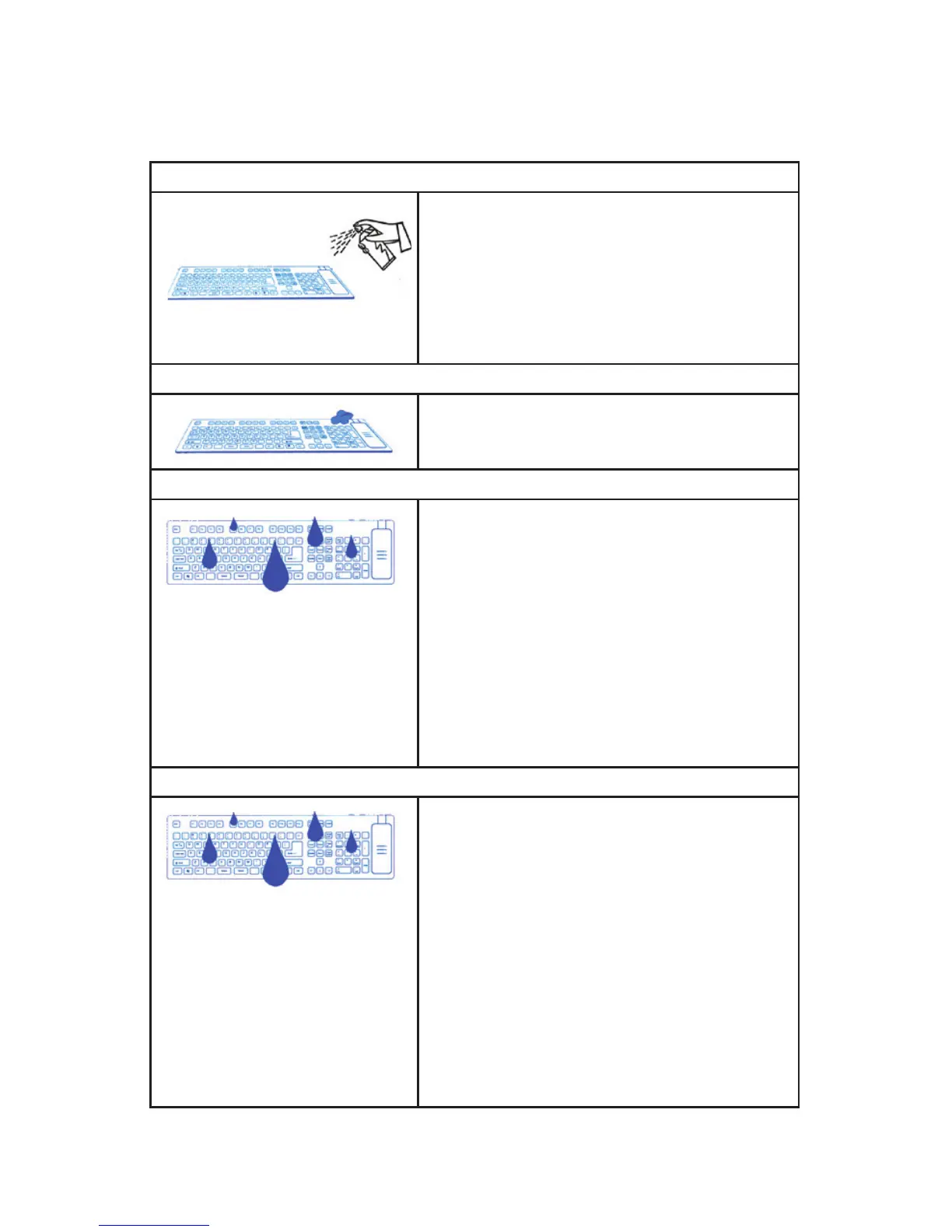
1) Use Hospital Grade Disinfectant Sprays (Best Practice!)
The SEAL SHIELD™ keyboard or mouse is designed to work with
virtually all medical grade, commercial grade, antibacterial, antiviral
and antifungal sprays to kill most known surface contaminants in-
cluding SARS, Influenza, Staph and MRSA. Testing confirms that this
is the most effective cleaning protocol for hospitals. Thoroughly
spray all surface areas and between keys. Use as directed. Wipe
away excess moisture prior to use. There is no need to unplug
your keyboard or power down your computer.
2) Use Disinfectant Wipes.
Alcohol based disinfectant wipes are the fastest and easiest way to
disinfect your SEAL SHIELD™ keyboard or mouse. Thoroughly wipe
all surface area with disinfectant wipes. There is no need to unplug
your keyboard or power down your computer.
3) Hand wash with soap and warm water
Your SEAL SHIELD™ keyboard or mouse is washable.
1) Unplug keyboard or mouse.
2) Plug keyboard or mouse connector into the included SEAL
CAP™ or SEAL CAP II™ to insure a tight connection to prevent
water intrusion.
3) Do not submerge the keyboard or mouse. Simply wash with
warm water and dish soap or other cleaning agent using a wet
cloth. Vigorously wash and rinse the keyboard or mouse in order
to insure thorough cleaning.
4) Shake dry. Wipe away excess surface moisture.
5) Unplug SEAL CAP™ or SEAL CAP II™ from connector. Be sure
to wipe all excess moisture from connector prior to reconnecting.
6) Reconnect keyboard or mouse.
4) Machine Wash in Dishwasher
Your SEAL SHIELD™ Medical Grade Washable Keyboard or mouse
is designed to be washed in a dishwasher using standard automatic
dishwasher detergent.
1) Unplug keyboard or mouse.
2) Plug keyboard or mouse connector into the included SEAL
CAP™ or SEAL CAP II™ to insure a tight connection to prevent
water intrusion.
3) Place keyboard or mouse on top rack of dishwasher. Wash in
dishwasher using dishwasher detergent and standard wash cycle.
Disable “Heated Drying.”
4) Remove from dishwasher. Shake dry. Wipe away excess surface
moisture.
5) Unplug SEAL CAP™ or SEAL CAP II™ from connector. Be sure
to wipe all excess moisture from connector prior to reconnecting.
6) Reconnect keyboard or mouse.
Recommended Cleaning Protocols
Your SEAL SHIELD™ Washable Keyboard or mouse is the first defense in infection control. Following the suggested
cleaning protocols can help reduce the risk of spreading infection.


 To Next Page
 Loading...