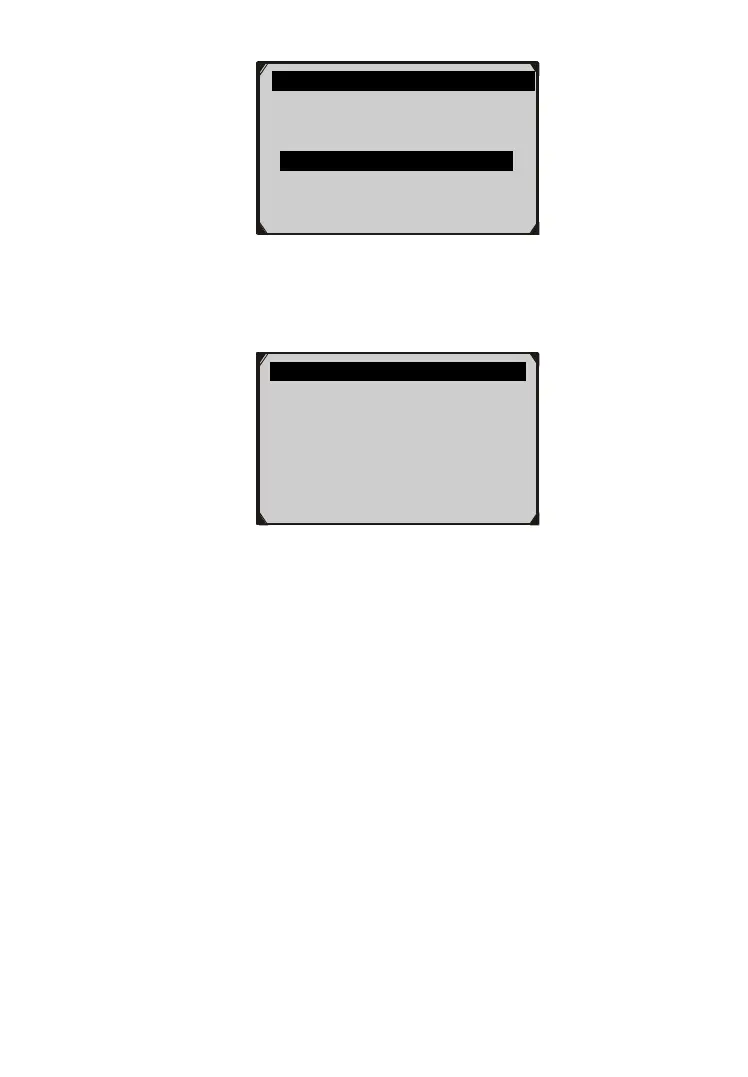
Figure 4.20
5) View retrieved vehicle information on screen.
Figure 4.21
6) Select Previous Menu from the Vehicle Info screen, and press
ENTER/Exit button to return to the previous menu.
4.7 Exiting the EOBD Test
1) To exit OBDII test, use SCROLL button to select Previous
Menu from Diagnostic Menu and press ENTER/Exit button.
(Figure 4.3)
2) A warning message comes up asking your confirmation. Press
ENTER/Exit button to exit.
Vehicle Info. 3/4
Vehicle ID Number
Calibration ID
Cal. Verf. Number
Previous Menu
Cal. Verf. Number
CVN1: BB BA A0 78



 To Next Page