The purpose of this function is to indicate which of the vehicle‟s
monitors have run and completed their diagnosis and testing, and
which ones have not yet run and completed testing and diagnosis of
their designated sections of the vehicle‟s emission system. All data
shows on one screen, which provides a simple profile of vehicle at a
glance, saving diagnosis time and improving technician productivity.
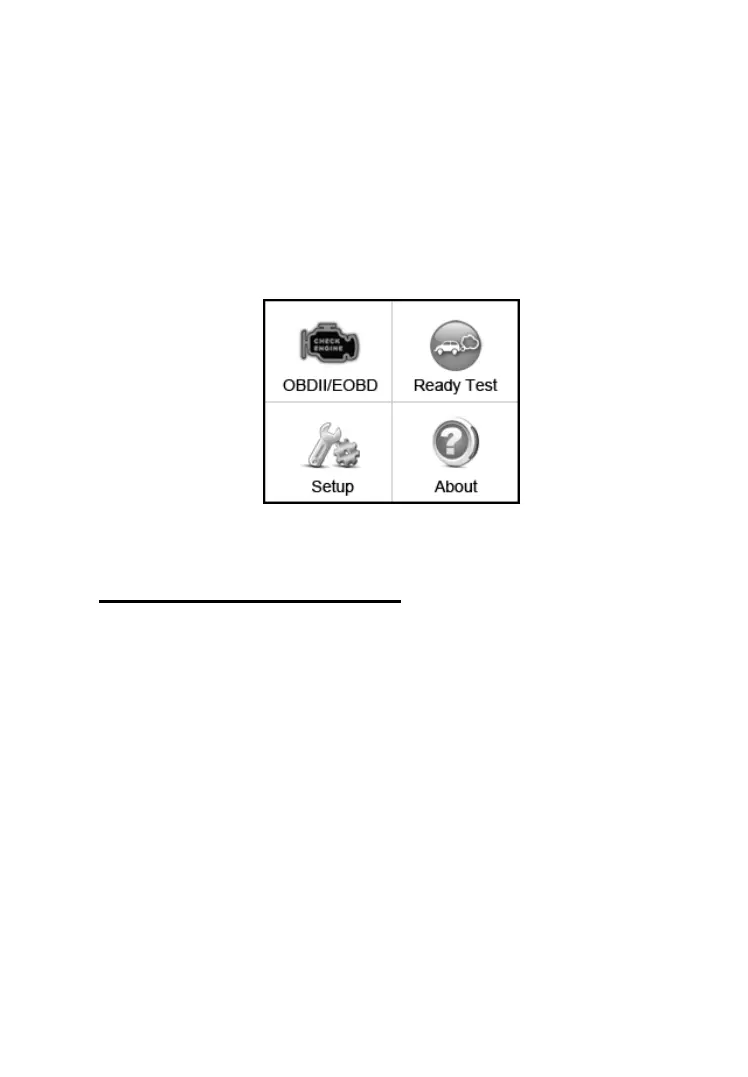
Use the SCROLL button to select Ready Test from Main
Screen (Figure 5.1), and press the ENTER/Exit button.
Figure 5.1
As post-repair diagnostic tool
This function can be used (after the vehicle has done any
emission-related repairs) to confirm that the repair has been
performed successfully.
After repairs, some drive cycles are required to reset the monitoring
systems. Drive cycles vary among vehicles and for each monitor in
any particular vehicle.
Use the following procedure to check if the repair has been done
correctly:
1) Connect the code reader to the vehicle‟s DLC and erase the DTC(s)
from the vehicle‟s computer memory. (see 4.2 erasing codes)



 To Next Page