EasyManua.ls Logo

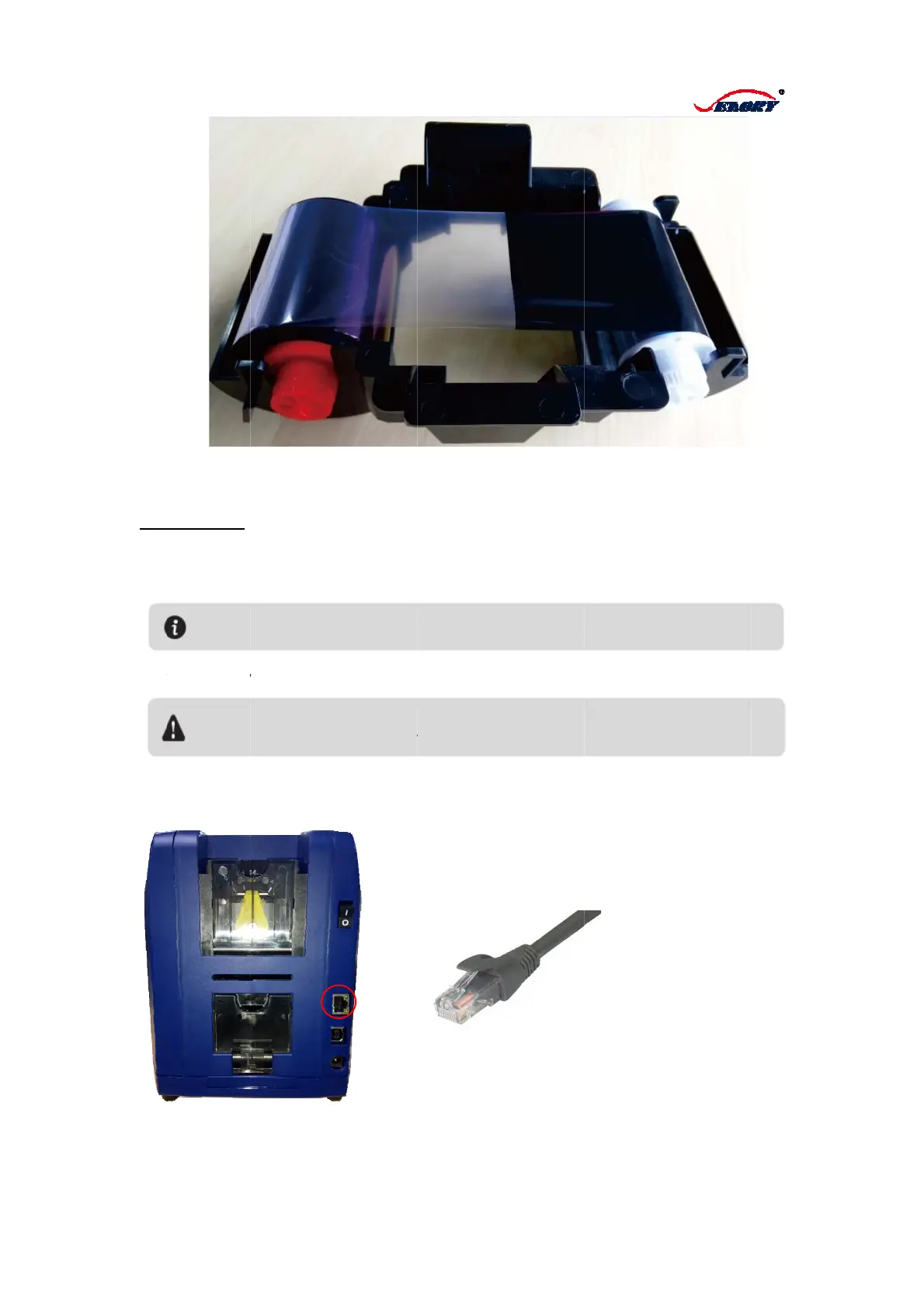
Seaory S21 - Back-end and Bottom Features

Seaory S21
32 pages
Print Icon
To Next Page IconTo Next Page
To Previous Page IconTo Previous Page
Loading...
1.3.
Po
w
a.
C
b.
C
c.
P
d.
W
net
w
2 Connect
c
er Supply:
C
onnect po
w
C
onnect the
P
lug the po
w
W
hen you n
e
w
ork port of
Pleas
e
power
To ke
e
pulled
c
ard printe
r
w
er cable wi
t
adaptor wit
h
w
er supply in
e
ed to set u
p
the device.
e
make sure
t
supply.
e
p your safet
y
out, before y
o
t
h adapto
r
h
the round
to a ground
p
network pr
t
he power ca
b
y
, please ma
k
o
u cleaning o
r
6
supply hub
ing power s
inting, inser
t
b
le has been
k
e sure the
p
r
maintaining
c
of printer
ocket.
t
the specifi
e
connected to
p
ower is off a
c
ard printer.
e
d network i
a protective
a
nd power su
p
nterface int
o
a
nd groundin
g
p
ply has bee
n
o
the
g
n

Other manuals for Seaory S21

Related product manuals