
 Need help?
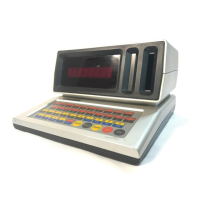
Do you have a question about the Sears TALKING COMPUTRON and is the answer not in the manual?
Guidelines for cleaning and maintaining the Talking Lesson One unit, including 'Always' and 'Never' sections.
Instructions for installing batteries, recognizing low battery status, and using an AC adaptor.
Keys used to select specific games and activities on the Talking Computron.
Keys for inputting numerical answers and operating the device.
Keys representing the alphabet for typing words and answers.
Keys for playing musical notes, pausing tunes, and composing.
Keys for calculations, repeating words, submitting answers, correcting errors, and getting help.
Steps to start playing games and instructions on how to switch between activities.
Explanation of how points are awarded for correct answers in games.
 General
| Manufacturer | Sears |
|---|---|
| Model | TALKING COMPUTRON |
| Category | Electronic dictionary |
| Speech capability | Yes |
| Display type | LCD |
| Power source | Battery |

 To Next Page