SED-901 TESTING GUIDE
12
1
Before connecting any card readers to the SED-901 ensure they currently work on
or have been operating on the Access Control System
(do a test on the current access control port first with a known reader)
2
Set the SED-901 Remote and the SED-901 Master up, side by side
Eg. A minimum of 4m apart and connect the plug pack and stubby test antennas.
Connect either battery or plug pack to power
On the SED-901 Master - the signal light should be ON
On the SED-901 Remote - the signal light should be ON
This means that the link is established and functioning
Test an alarm input on the SED-901 Master Relay Board, this should trigger a relay
on the SED-901 Remote.
3
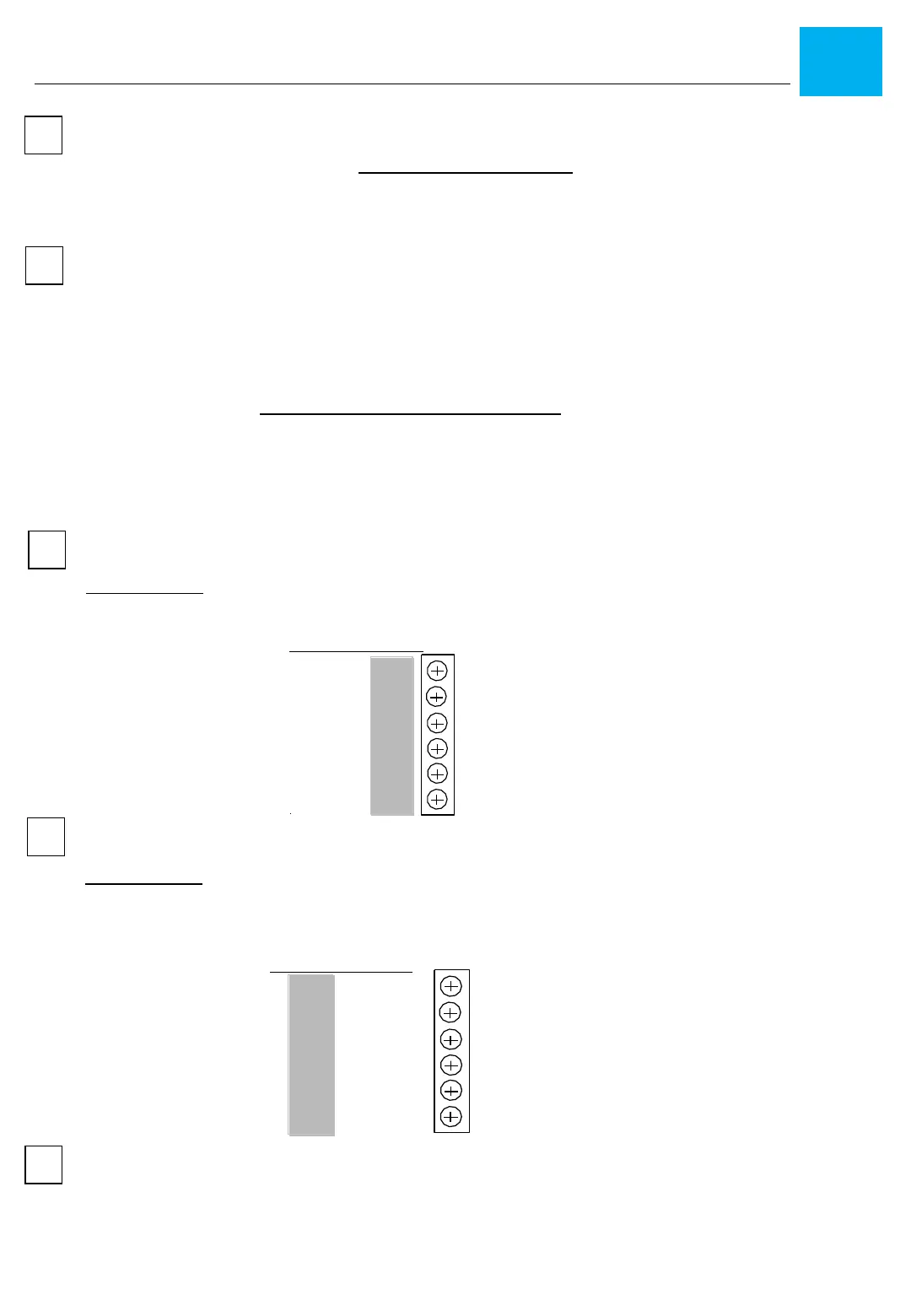
Wiring the SED-901 MASTER
Please note: The Wiring on the SED-901 Master requires wiring to be completed
according to the legend, marked OUTPUT and wire according to this
connection guide
Output XXXX
Data
Clock
LED
Beep
Comm
------
4
Wiring the SED-901 REMOTE
Please note: The wiring on the SED-901 REMOTE requires wiring to be completed
according to the legend, marked READER, and wire according to this
connection guide
XXXX Reader
Beep
LED
Clock
Data
Comm
Power
5
Connect a reader to the Remote and wire the reader output from the Master to a
Access Control input. Simply badge a known working card and the reader
should work as if it had been hard wired to the Access Control unit


 To Next Page
 Loading...