INSTALLATION - SED-901 Adding Expanders
9
The SED-901 system can support expanders Set up Please Read
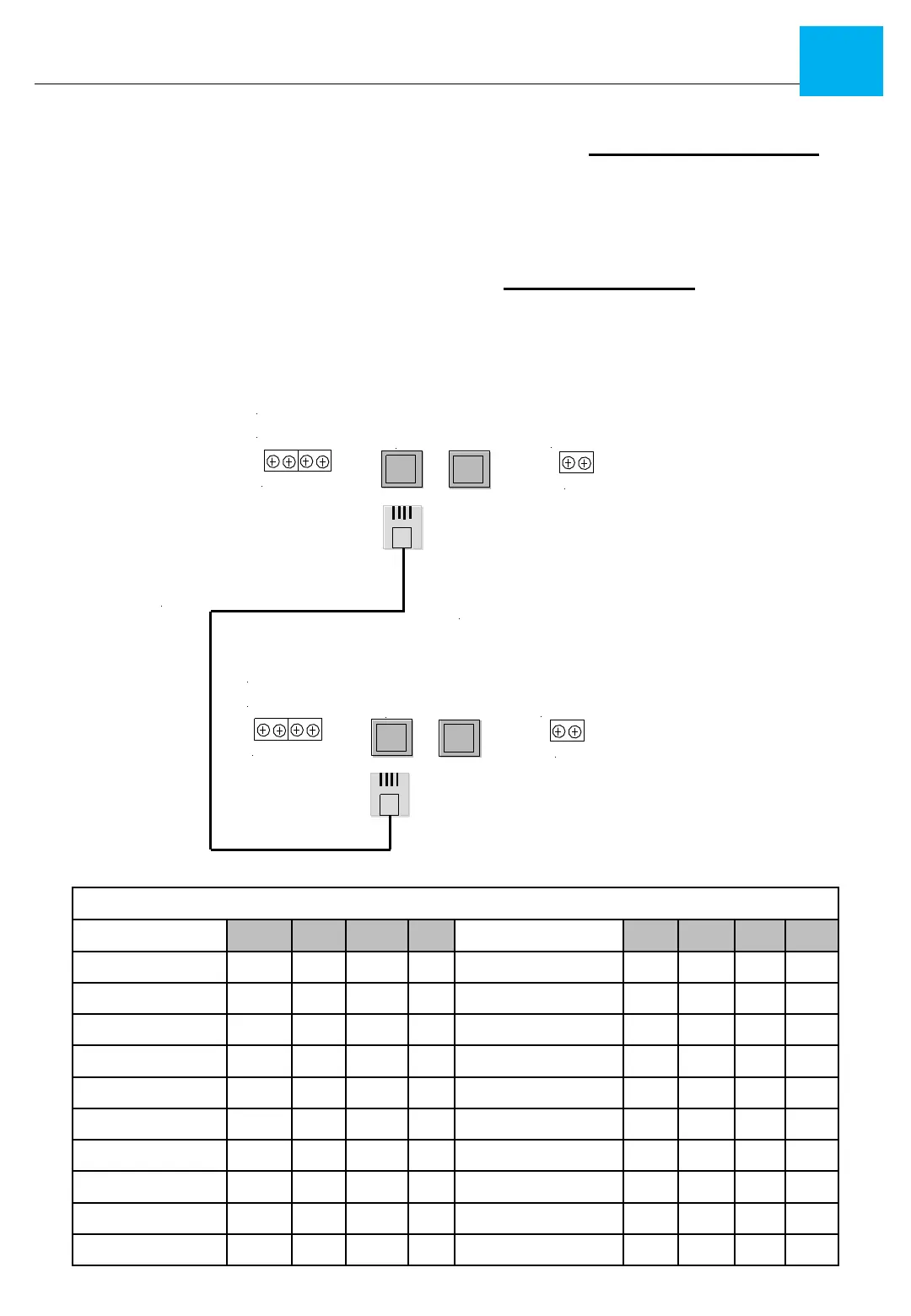
1/ Ensure you set the mode switch on the SED-901 on your expander
2/ Set the address switch according to the number of expanders you have hanging off
each SED-901 Remote or SED-901 Master see below
NOTE : POWER RESET IF YOU CHANGE OR SET DIP SWITCHES
Expander dip switch Address settings
Expand Port
Battery in
RS 485 Port
12+ A B Gnd
+ --
SED-901 Master
Flipped RJ 12 6P4C
Expand Port
Battery in
RS 485 Port
12+ A B Gnd
+ --
SED-901 Expander
Use RJ to RJ Cable
Connection Between



 To Next Page