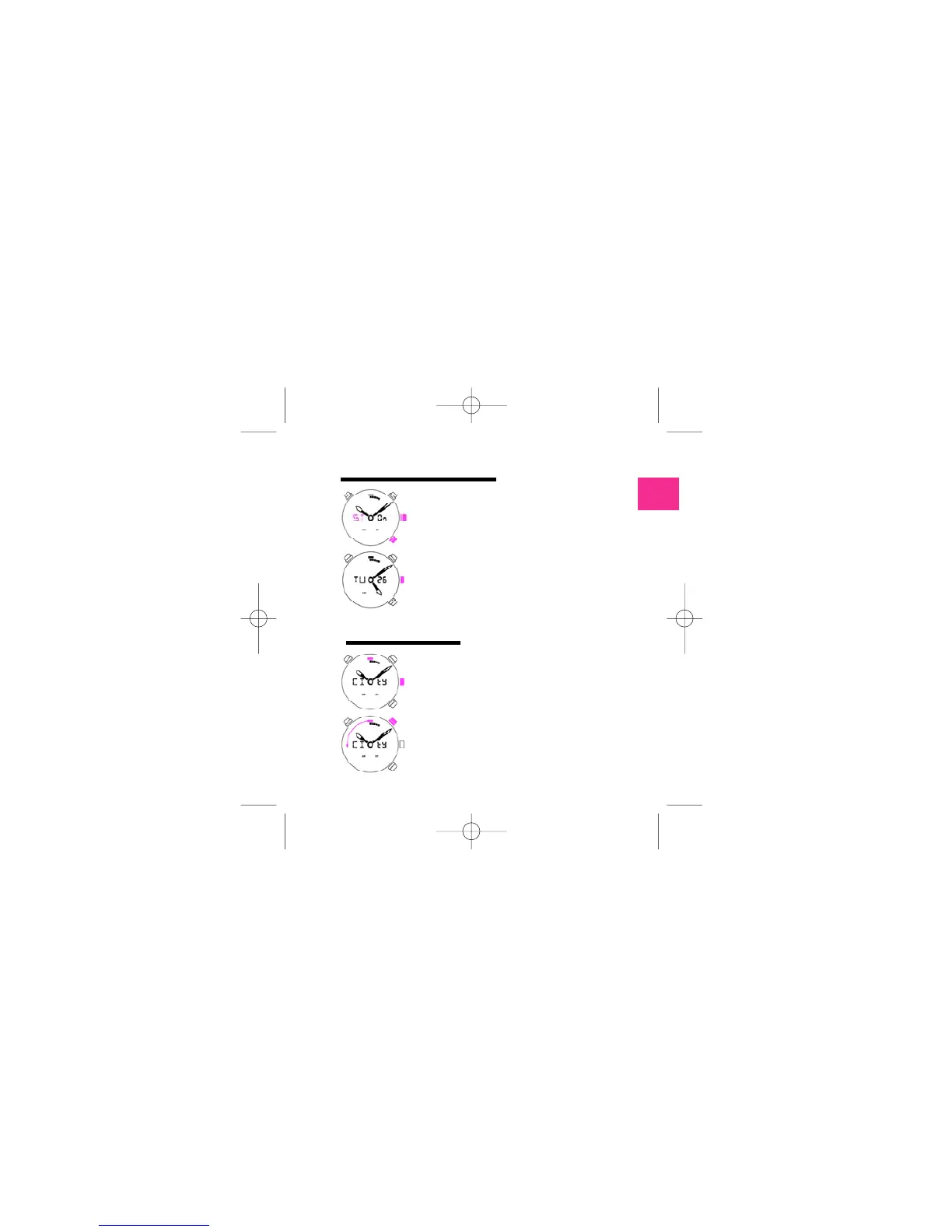
PUSH C
Push the crown to enter in the select city
m o d e . The city index will blink. In this mode
you can select the city that you would like to
have the time.
PUSH A
Select city in counterclockwise.
PUSH B
Push B for going on the beginning.
PUSH C
Go out of time adjust. The new day is calculated.
The two hands are going in the new position to
indicate news hour and minute.
SELECT CITY MODE
2.2
210 mascalzone latino ingl 4-06-2007 12:53 Pagina 9



 To Next Page