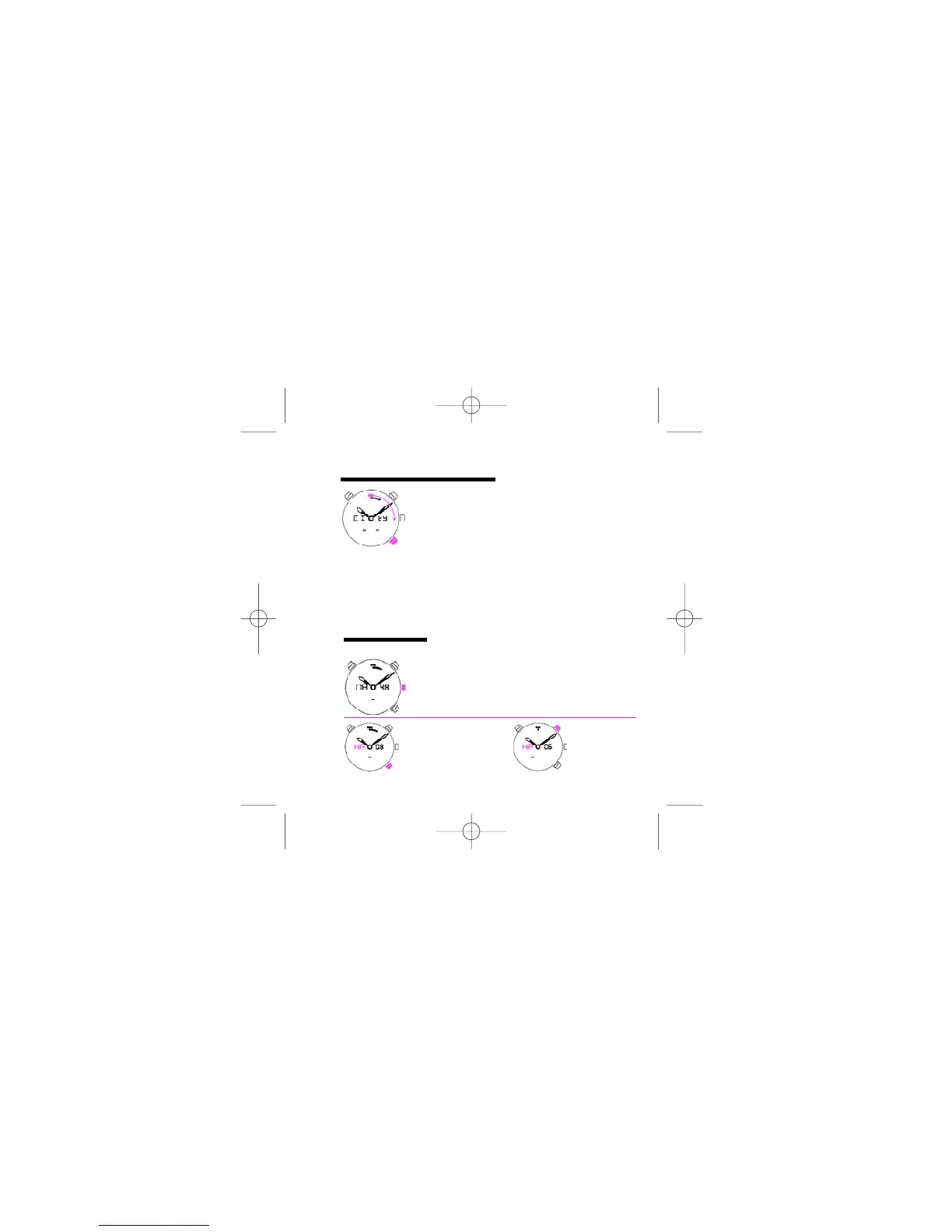
PUSH C
Push the crown to enter in alarm mode.
PUSH B
Select city in clockwise.
To go out this mode you can push the crown or wait for 5 seconds without
pushing any button. When you go out this mode, the hands go on the new
position (time of new select city), and you go on time mode.
ALARM MODE
2.3
PUSH B
Push B more than 1
second. Adjust hour. HR
starts blinking.
PUSH A
Select hour.
210 mascalzone latino ingl 4-06-2007 12:53 Pagina 10



 To Next Page