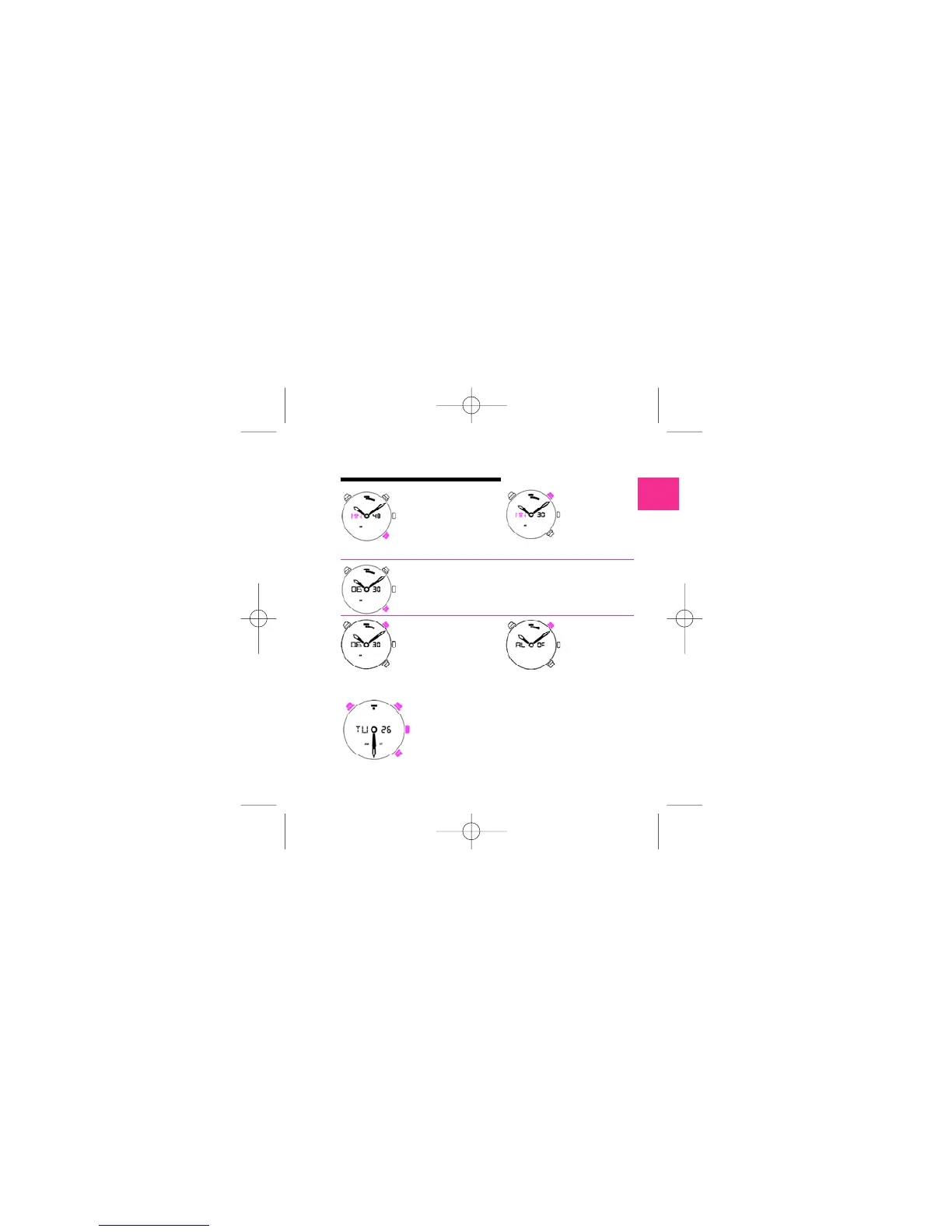
PUSH B
Go out of alarm adjust.
ALARM 0N
PUSH B
Confirm hour and adjust
m i n u t e . M N s t a rt s
blinking.
PUSH A
Select minute.
A l a rm will start when alarm is ON and when there is coincidence
between TIME showed by hands and by display in alarm mode. Alarm
is characterised by 20 double-bips, one per second (frequency 4kHz),
repeated after 2 minutes if the first alarm is not stopped. Alarm will
automatically switch OFF after alarm (alarm being stopped or not).
A l a rm time will not be reset.
ALARM 0FF
To go out this mode you can push the crown or wait for 5 seconds without push any button.
If you have any action on button, during
3 seconds, you go out alarm adjust.
bip bip
210 mascalzone latino ingl 4-06-2007 12:53 Pagina 11



 To Next Page