Smart Hub Operation Instructions
2
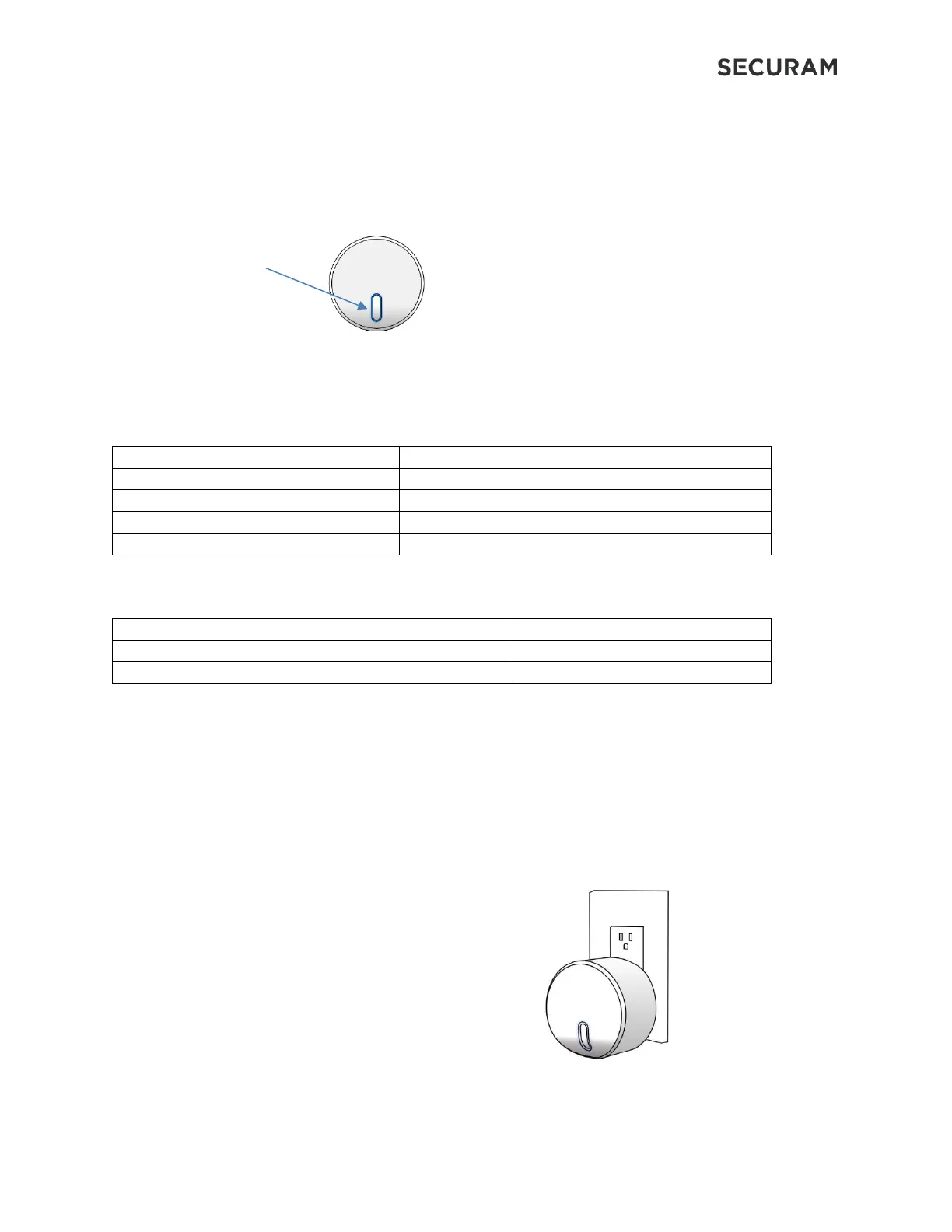
1.2 Smart Hub Indicator Light Button
The Smart Hub has an Indicator Light button which illuminates according to the status of the Hub:
Indicator Light Button
Flashing Blue Light every 5 seconds
Receiving data from smart devices
Receiving data from Cloud
1.3 Indicator Light Operation
Press and hold the button for 5 seconds, then release
1.4 Smart Hub Set Up
• Plug the Smart Hub into a standard 110V electrical outlet
• The light will flash blue indicating that the Smart Hub is ready to be paired.
o If the light is not flashing blue, press and hold the light button until it becomes solid
blue, then release. The blue light should start flashing in approximately 5-10 seconds
2.0 Set up in App


 To Next Page