Smart Hub Operation Instructions
8
2. I have reset the time zone in the app but it has not taken effect yet. Why?
Answers:
a. After the time zone has been changed on the app, it may take up to 10 minutes for the time zone
update to take place.
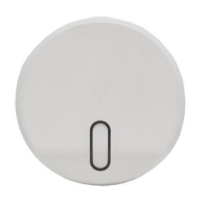
b. To have the time zone change take effect immediately, restart the hub by pressing the indicator light
button once.
3. How do I reset and pair Smart Hub?
Answer:
Step 1. In the SECURAM app, start the pairing process by “adding” a new device.
Step 2. Select Smart Hub.
Step 3. On the Smart Hub - press and hold the light indicator button until it becomes solid blue,
then release. The blue light should start flashing in approximately 5-10 seconds
Step 4. Follow the instructions in the app.
5.0 Technical Data
5.1 Specifications


 To Next Page
 Loading...