For additional information:
Write to: Techsonic Customer Hotline:
Techsonic Industries, Inc. 1-800-747-9329
Service Department
108 Maple Lane www.techsonic.com
Eufaula, AL 36027
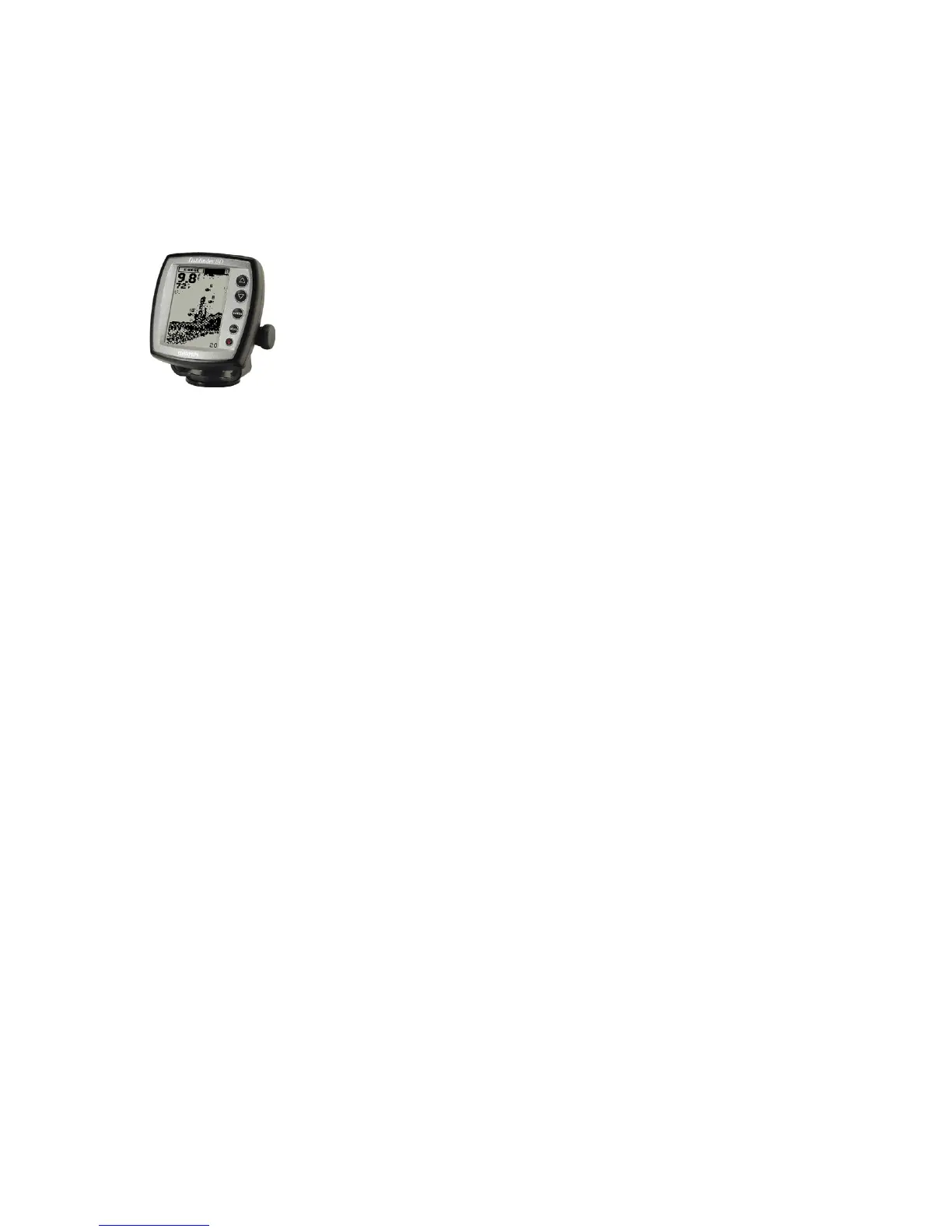
* Digital Depth/Fish Finder Graph:
The digital depth/sh nder graph is used to determine the depth of the
water your boat is running in and to help you locate sh. The graph uses
two primary components: the gauge unit and the transducer. The graph
unit contains the transmitter and receiver, as well as the user controls and
display. The transducer is mounted beneath the water and converts electri-
cal energy from the transmitter into sonar waves to provide a readout on the
graph usually located on the dash board.
Only some Sedona boats are equipped with this graph. This graph is usu-
ally used on Sedonaʼs “shing style” of boats and will not function without
a matching transducer, as mentioned above. Please contact your Sedona
dealer before adding this graph to your to your boat. Read the graph opera-
tions manual before using this graph.
Sedona Pontoons cannot be responsible for damage caused by tree stumps, sand bars, shallow wa-
ters, and the like due to inaccurate readings displayed on the digital depth graph or otherwise.
* Speed and Temp. readings may not be available.
Customer Support for Garmin
Monday — Friday 8:00 a.m. — 5:00 p.m. CST
1-800-800-1020
(913) 397-8200
www.garmin.com
12 Volt Plug:
This plug is available on most, but not all Sedona boat models. It can be used to operate accessories
such as a cell phone, air pump, ashlight, ect. Please read your accessories ownerʼs manual before
plugging anything into this plug. You can locate this plug on the dash of your Sedona by gently
lifting up the rubber tab used to cover and protect the plug. This plug has been added to your boat to
provide extra convenience.
Stereo Systems:
Many Sedona models are equipped with an AM/FM cassette stereo. Some Sedona models have CD
players as standard or optional equipment. In most cases, you can locate your stereo on the left hand
side of the driverʼs console. The stereo is protected by a “stereo cover”. Gently lift up on the cover
lid of the stereo cover to gain access to the stereo. Some Sedonaʼs are equipped with an “automatic
stereo cover”. With this type of cover, gently push the release button on the cover and the cover
lid will automatically rise up to gain access to the stereo. Note on the following page information
pertaining to some of the stereo systems Sedona offers:
The following stereo systems may or may not be on your model of Sedona. Please look inside your
Ownerʼs Packet for the manual that matches the stereo installed in your boat. If the manual you have
does not match the stereo in your boat, please contact your Sedona dealer for the correct manual.
Please read your stereo manual before operating your stereo. Before changing or adding a stereo,
please contact your dealer. It is important to note that at times a radio frequency may be interrupted
by engine or transducer transmissions.
Seaworthy AM/FM CD Stereo:
Customer Support for Seaworthy
Phone: 843-849-9037
Fax: 843-849-9054
3325 Hwy 17 North Mt., Pleasant SC 29466
www.seaworthy.net
28


 To Next Page