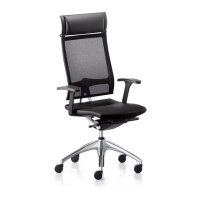
G Adjusting the basic armrests (optional)
® Height:
1. Press the button underneath the armrest, lift or lower the
armrest
2. Release the button, the armrest locks into place
® Adjustable seat width:
1. Loosen the screws slightly with a Torx
key (TX40)
2. Position the armrests 3. Retighten the screws
H Adjusting the 4D armrests (optional)
® Height:
1. Press and hold the button 2. Lift or lower the armrest to the
desired height
3. Release the button to engage the armrest
® Depth:
1. Press and hold the button 2. Push the armrest cover
backwards or forwards to engage
® Swivelling armrest covers: up to 24° inwards and 12° outwards
® Adjustable seat width:
1. Slightly loosen the lever on the armrest
support under the seat.
2. Position the armrests 3. Retighten the lever
F Seat angle (optional)
® 1. Stand up 2. Swivel the lever backwards and lock into place (chair tilts
4° forwards) or swivel downwards and lock into place (seat moves back
into its original position)


 To Next Page