Lesson 2: Pressing Button to Light Up LED
The first thing we need to know is that the input of the button is a digital signal, and there are only
two states, 0 or 1, so we can control the output based on those two states.
Practice: Use button to turn ON and OFF the LED module
Components Involved
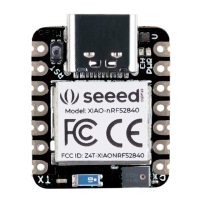
1. Seeeduino Lotus
2. Grove LED
3. Grove Button
4. Grove Cables(If broken out)
Hardware connection
Module connection:
Default connection by PCB stamp hole.
The Seeeduino is then connected to the computer via a USB cable.
Hardware analysis:
Input: Button
Control: Seeeduino


 To Next Page