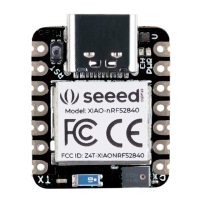
Output: LED module
Both the sensor and the LED use digital signals, so they should be connected to digital
interfaces.
Software code:
Open Arduino IDE.
Copy the following code, click Verify to check for syntax errors. Verify that there are no
errors, and you can upload the code.
//Button to turn ON/OFF LED
//Constants won't change. They're used here to set pin numbers:
const int buttonPin = 6; // the number of the pushbutton pin
const int ledPin = 4; // the number of the LED pin
// variables will change:
int buttonState = 0; // variable for reading the pushbutton statu
s
void setup() {
// initialize the LED pin as an output:
pinMode(ledPin, OUTPUT);
// initialize the pushbutton pin as an input:
pinMode(buttonPin, INPUT);
}
void loop() {
// read the state of the pushbutton value:
buttonState = digitalRead(buttonPin);
// check if the pushbutton is pressed. If it is, the buttonState is HIG
H:
if (buttonState == HIGH) {
// turn LED on:
digitalWrite(ledPin, HIGH);
} else {
// turn LED off:
digitalWrite(ledPin, LOW);
}
}


 To Next Page