56
PoC function is activated in SDI mode and available for PoC cameras only.
Viewer App. Functions
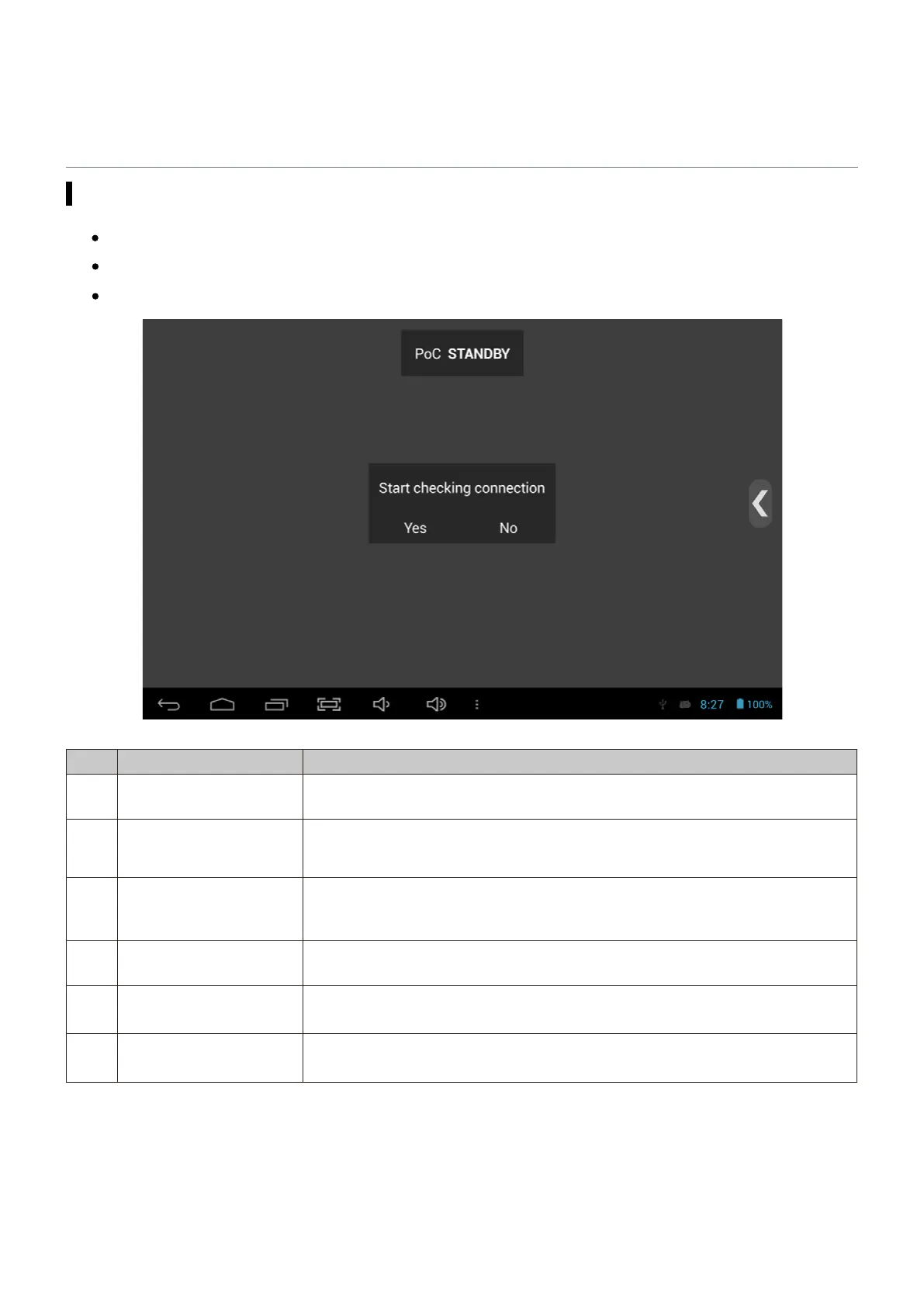
PoC function
Supply power to the camera over coaxial cable.
No. Name Description
① PoC Standby
The step before operating PoC. One you select “Yes”, it starts trying to
connect PoC.
②
PoC Connection
Checking
If the connected camera is PoC camera after checking, it moves to the next
step.
③ PoC Supply Standby
PoC camera is connected. To supply power to the camera, press “Yes”. Then,
it moves to the next step.
④ PoC Power Supply Supply power to the camera for its operation.
⑤ PoC Operation PoC is being supplied to the camera currently.
⑥
PoC Cable
Disconnected
This is displayed when removing the cable during PoC operation or when
operating PoC function without connecting a cable.
PoC function is optional.


 To Next Page