-6-
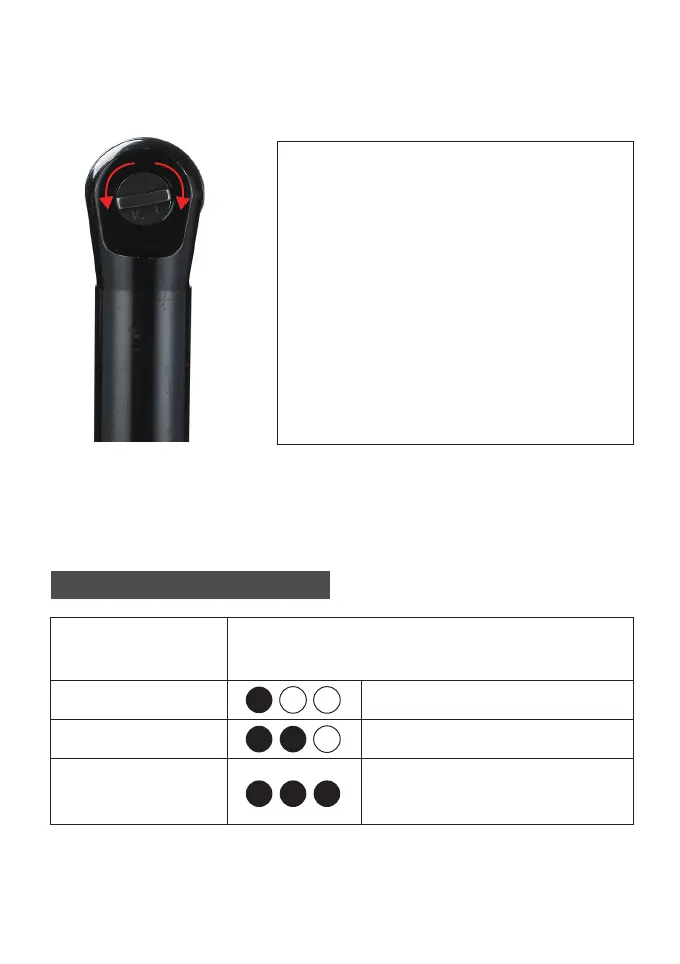
Using the Forward/Reverse
Toggle For forward (clockwise)
rotation, Forward rotate the
forward/reverse toggle countercl-
ockwise.Check the direction of
rotation before use.
For reverse (counterclockwise)
rotation, rotate the forward/re-
verse toggle clockwise. Check the
Reverse direction of rotation
before use.
BATTERY INDICATOR
Rem aining
Capacity
Indicator Lights
≦50%
≦50%-80%
Red Light ON
Red & Yellow Lights ON
Red & Yellow & Green
Lights ON
≦80%-100%


 To Next Page