User Manual [en] 22
Step 7: Connect the Fiber Adapter to the Network
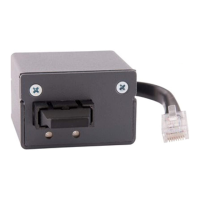
1. Remove the protective cap of the SC connector.
2. Connect the fiber optic cable of your network (SC connector) to the network
connector (SC, female) of the Fiber Adapter.
Step 8: Turn the Printer On
1. Connect the power cord to the printer.
(Establish the power supply)
2. Turn the printer on.
Printer and Fiber Adapter are ready for use.
Important:
Do not throw away the protective cap! Put the
protective cap on the SC connector if it is not in use.


 To Next Page