Hardware Installation Guide 19
A status page can only be printed if the printer supports ASCII, PostScript,
DATAMAX (label printer), or the Citizen-Z (label printer) format.
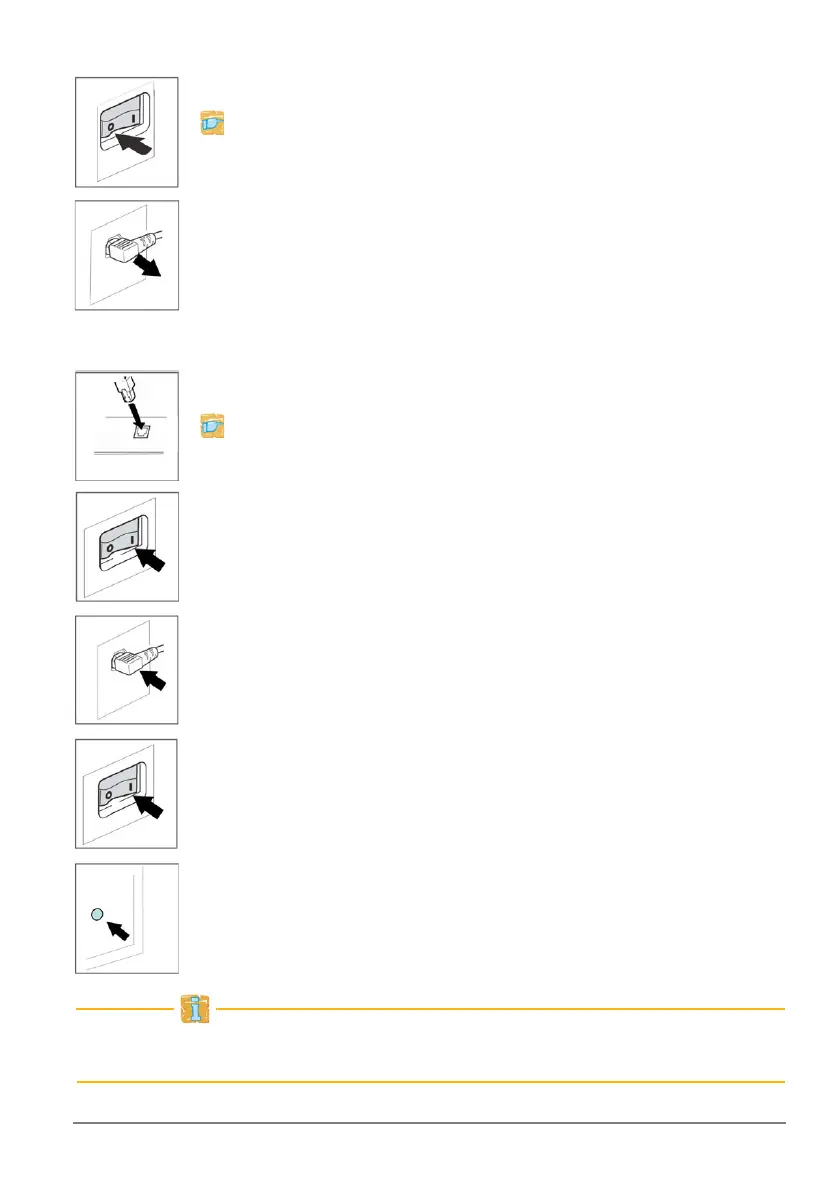
Connect the print server to the printer
1. Turn the printer off.
2. Disconnect the printer's power cord.
3. Remove the data cable connecting the printer to the
computer.
4. Connect the data cable to the relevant print server port.
Connect the print server to the network
1. Connect the network cable (RJ-45) to the print server.
2. Connect the print server's power cord to the print server.
3. Turn the print server on.
4. Connect the printer's power cord to the printer.
5. Turn the printer on.
6. Press the status button of the print server in order to print out
a status page.



 To Next Page