EasyManua.ls Logo

Seiko I Infotech LP-1030-MF - User Manual

Default Icon
239 pages
Print Icon
To Next Page IconTo Next Page
Loading...
Chapter
1
Before Use
Chapter
2
Basic Operations
Chapter
3
Menu Functions
Chapter
4
Authentication
function
Chapter
5
Troubleshooting Appendix
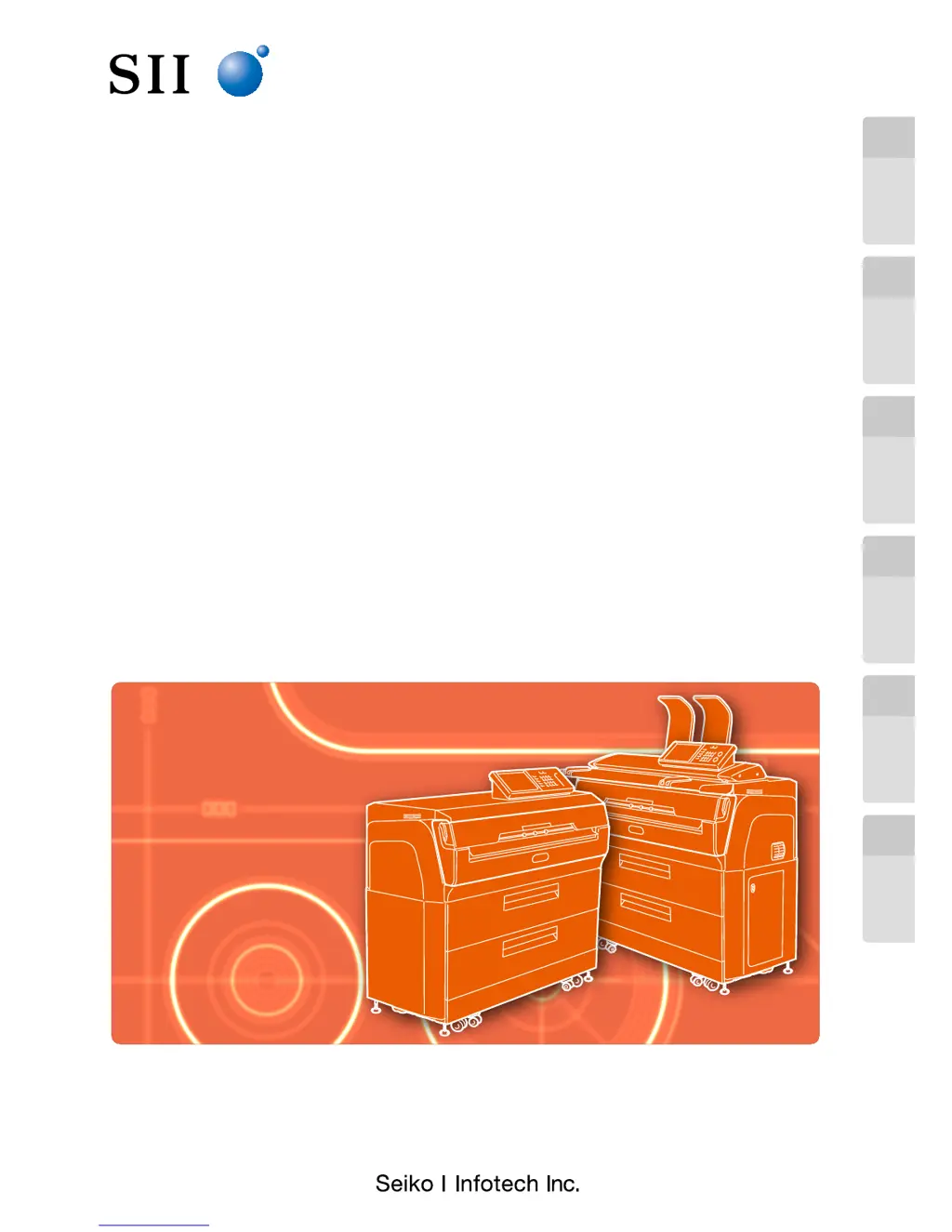
Wide Format Printer
Teriostar LP-1030 Series
LP-1030
Multifunction Model
Printer Model
LP-1030 -MF
User's Manual
for Basic Printer Operation
U00123003002
Be sure to read this manual carefully before use. It will enable you
to handle the Printer correctly.
After reading the manual, keep it in a place where you can access it
when required.

Table of Contents

Questions and Answers

  • A
    Ashley GreeneAug 9, 2025
    How to fix Seiko I Infotech LP-1030-MF if power does not turn on?
    • G
      ginajohnsonAug 9, 2025
      If your Seiko I Infotech Printer's power doesn't turn on, make sure the printer's power cord is correctly connected to the outlet and that the outlet is receiving power.
  • W
    Willie NolanAug 14, 2025
    Why does my Seiko I Infotech LP-1030-MF paper jam frequently?
    • W
      William BooneAug 15, 2025
      If paper jams occur frequently in your Seiko I Infotech Printer, ensure that the paper type you are using matches the printer's paper type setting and is the paper specified by SIIT. Also, make sure the paper is set correctly and remove any obstructions in the paper path.
  • S
    Sherry JohnsonAug 25, 2025
    What to do if Seiko I Infotech Printer door or drawer is open?
    • Q
      qgambleAug 25, 2025
      If a door or drawer is open on your Seiko I Infotech Printer, the screen will display a message. Follow the message and close the indicated door or drawer.
  • D
    Daniel LittleAug 30, 2025
    What to do if Seiko I Infotech LP-1030-MF Printer does not start or operate normally?
    • D
      Derrick ThomasAug 30, 2025
      If your Seiko I Infotech Printer does not start or operate normally, check for any error lamps lit up or messages on the panel display. Then, take the action specified by the error message.
  • C
    chelseathorntonSep 3, 2025
    What to do if Seiko I Infotech Printer displays the error code after restart?
    • M
      Marissa WrightSep 3, 2025
      If your Seiko I Infotech Printer displays the error code after restarting, write down the error code and contact your dealer or nearest service representative.
  • T
    Tara AlvarezSep 10, 2025
    What to do if Seiko I Infotech LP-1030-MF does not print?
    • J
      Jose CookSep 12, 2025
      If your Seiko I Infotech Printer does not print, ensure that the interface cable is correctly connected. Also, check for any error lamps or messages on the panel display and take the action specified by the error message.

Seiko I Infotech LP-1030-MF Specifications

General IconGeneral
BrandSeiko I Infotech
ModelLP-1030-MF
CategoryPrinter
LanguageEnglish