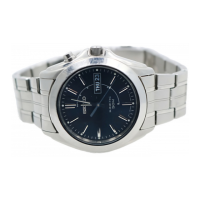
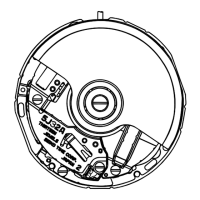
Cal.5D88A TECHNICAL GUIDE
NO. 25
46/51
No. PROCESS
SPECIFICATIONS (QUALITY SPECIFICATIONS, HANDLING METHODS ETC.)
ILLUSTRATIONS AND SPECIAL INSTRUCTIONS ETC.
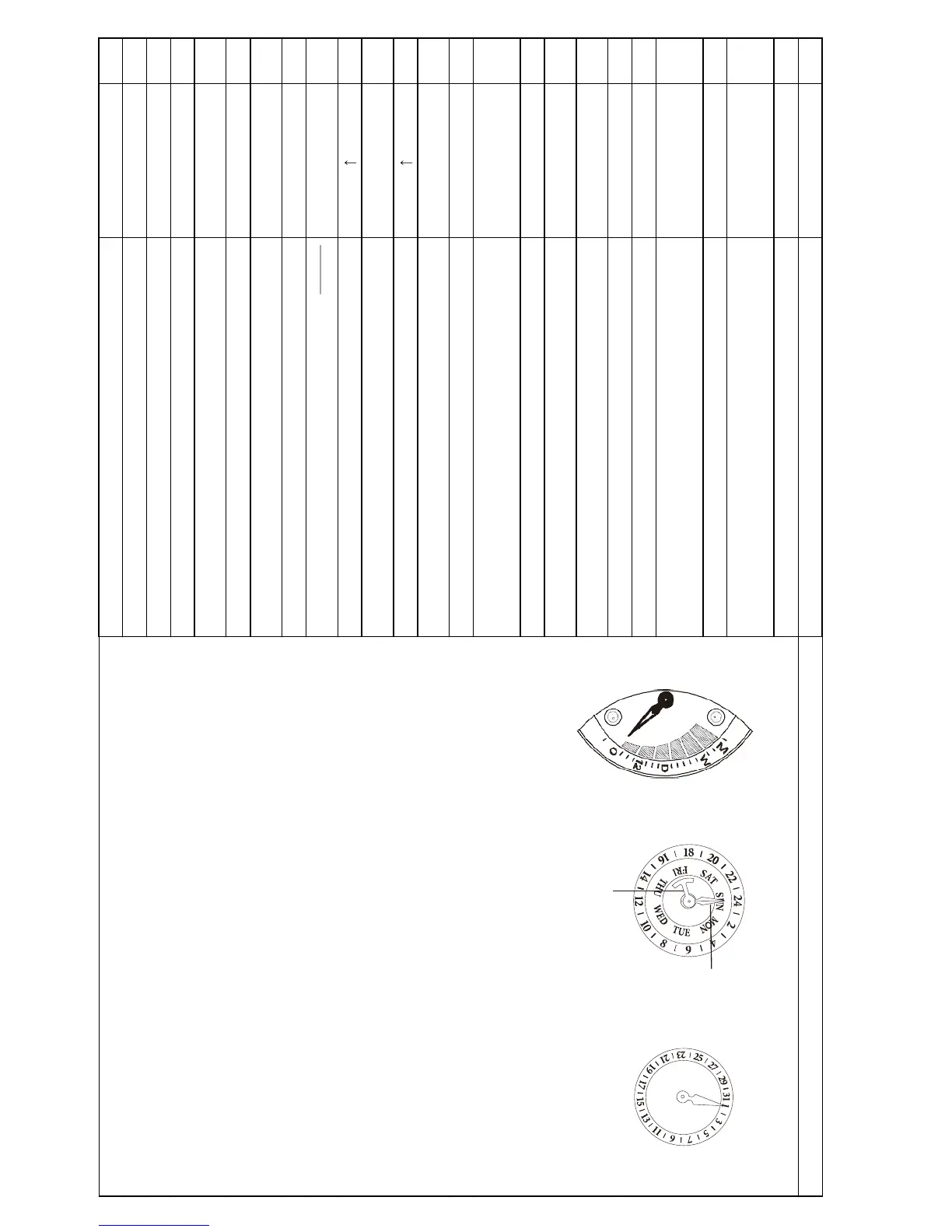
Mount the direct drive
indicator hand.
The direct drive indicator hand should indicate the “0” position
as illustrated at right.
Push-in force: push it in with a force less than 2 kg.
Mount the date hand. Set the date hand to the appropriate date scale.
Mount the 24H hand.
Make sure that the date hand moves properly when turning
the crown at the second click position. Then mount the 24H
hand to the 24H position.
Mount the day hand.
Mount the hour hand.
Mount the minute
hand.
Mount the second
hand.
Check the hand
installation height.
Make sure that the hands turn a full circle without having any
friction with other hands or markings on the dial or the
surface of the dial.
Check the movement
of the hands.
Check if the date and
day change correctly.
Remove the winding
stem.
Set the movement into
the case.
Ensure that the case is firmly mounted without any clearance.
Set the winding stem
with the crown.
Close the case back.
24H hand
Date hand
Day hand
Direct drive indicator hand


 To Next Page