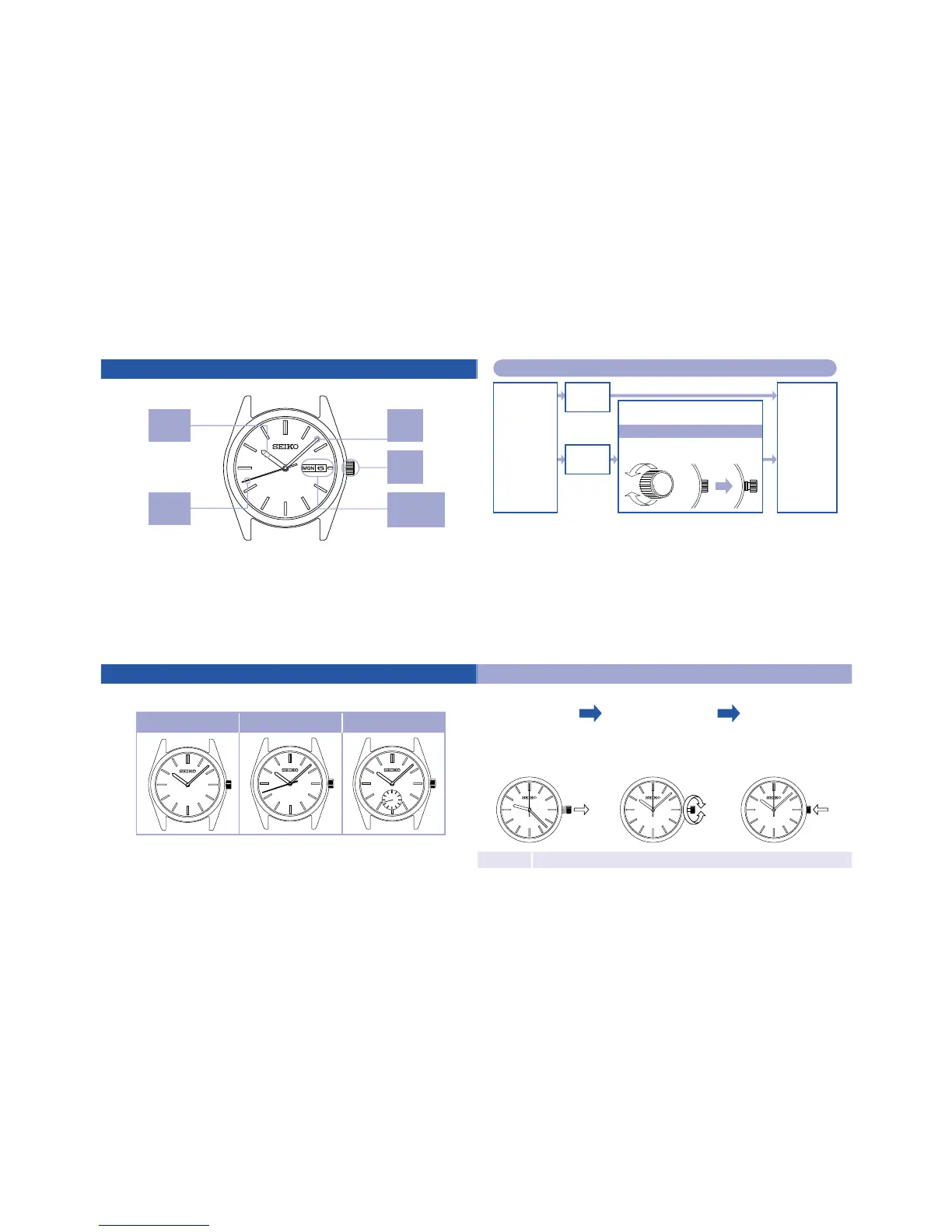
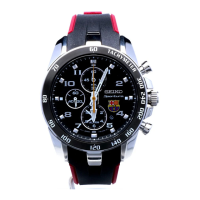
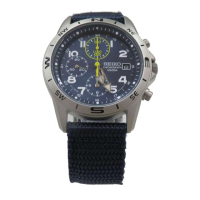
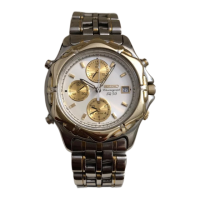
Namesoftheparts
Crown
Minute
Hand
Hour
Hand
※Orientationofthedisplaysofcalenderandsecondhand
mayvarydependingonthemodel.
Second
Hand
Date/Day
of
theWeek
Checkthetypeofthecrownofyourwatch
Goto
"Instructions
foruse"
Thecrown
turns.
Thecrown
doesnotturn.
Turnthe
crown
clockwise.
Unscrewthecrownbyturning
itcounterclockwise.
Tosetthewatch
Unscrew.
Screwup.
Thecrownofyourwatch
is*thescrewlocktype.
※Thistypeofcrowncanbescrewedintothewatchbodytoavoidbeingpulledout
bymistake.
○
Aftercompletingallsettingsofthewatch,screwthecrowninagainbyturning
itclockwisewhilepressingit.
○
Ifthecrownturnsouttobetoostifftobescrewedup,turnthecrown
counterclockwiseonceandthengiveanothertry.
Donotscrewitinbyforceasitmaydamagetheslotsofthecrown.
Instructionsforuse(modelswithtwohands/modelswiththreehands/modelswithsmallsecondhands)
Modelswith
twohands
Modelswith
threehands
Modelswith
smallsecondhand
TimeSetting
○
Thetelephonetimesignalservice(Tel.117)isconvenientforsettingthetime.
Note
Formodelswithascrewlocktypecrown,alwaysscrewthecrownupagainaftersettingthetime
Pulloutthe
crown.
Ifyourwatchhasthreehands,
pulloutthecrownwhenthe
secondhandisatthe
12o'clockposition.
Turnthecrown
tosetthetime.
Inordertosetthetime
accurately,turntheminute
hand4to5minutesahead
andthenreturnittothe
correcttime.
Pushthecrown
backintoits
normalposition.
Ifyourwatchhasthree
hands,pushthecrown
backinsimultaneously
withatimesignal.



 To Next Page