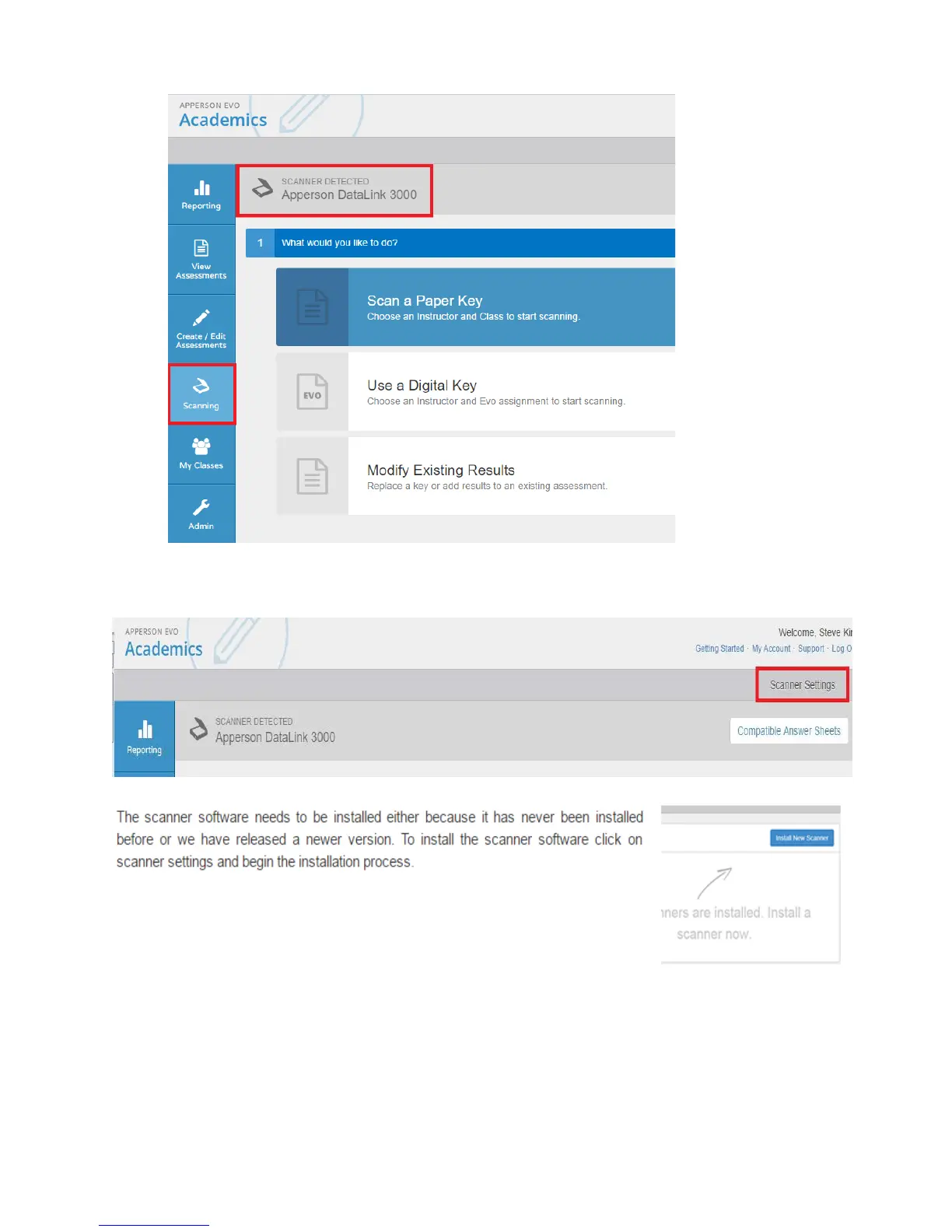
6. Once detected, it should list the type of scanner.
1. If it is not detected, you will have to install the firmware.
7. Adjust the paper tray to the correct size of your assessment answer sheets.
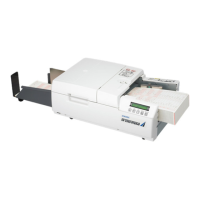
8. Other scanner settings are also available and accessible through the “Scanner Setting”
menu after installation has been completed.
9. The scanner is now ready to be used with DataLink Ascend assessment solution.



 To Next Page