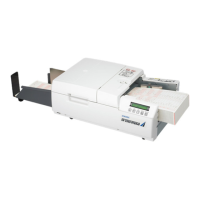
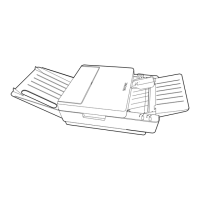
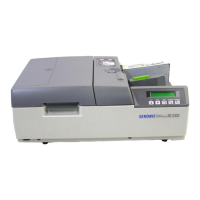
DataLink Ascend to Sekonic Scanner Setup
Sekonic Maintenance Guide
Sekonic SR3500 / SR6500
You will need DataLink Ascend login information to connect the scanner to
DataLink Ascend assessment solution.
Once you receive your scanner, please review this document to get to know the
various parts or the scanner.
You can also view the setup guide that comes with each scanner.
Please refer to the full user manual to access information on other options that
might be purchased with your scanner including barcode, printing, duplex, ink
read, etc.
Quick Setup Directions
1. Attach the paper receiver tray to the body of the scanner. (See preparation diagrams
based on the option that you have – No stacker vs stacker)
2. Connect the scanner to the computer that you will be using with the included usb cable.
3. Connect the power chord to the power outlet.
4. Log into DataLink Ascend and select the Scanning menu.
5. Select the “Search for Scanner” button

 Need help?

 To Next Page
 General