9
10
11
MOTION CM-01/02 LI-ION TUBULAR MOTOR
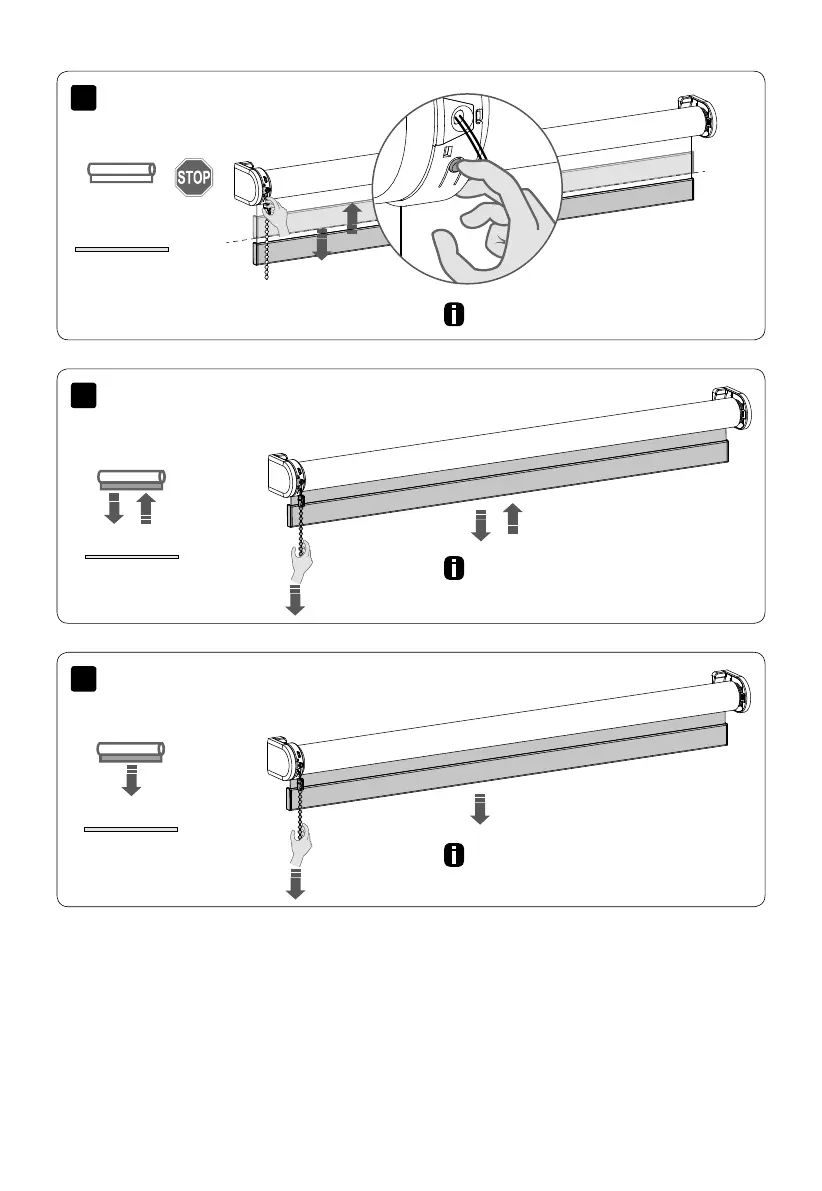
Save the position by pushing the button until
the blind moves up and down.
Pull the chain shortly to start or stop the blind.
Pull the chain shortly to
start or stop the blind.
Operating the blind
Optional: set favourite position



 To Next Page